
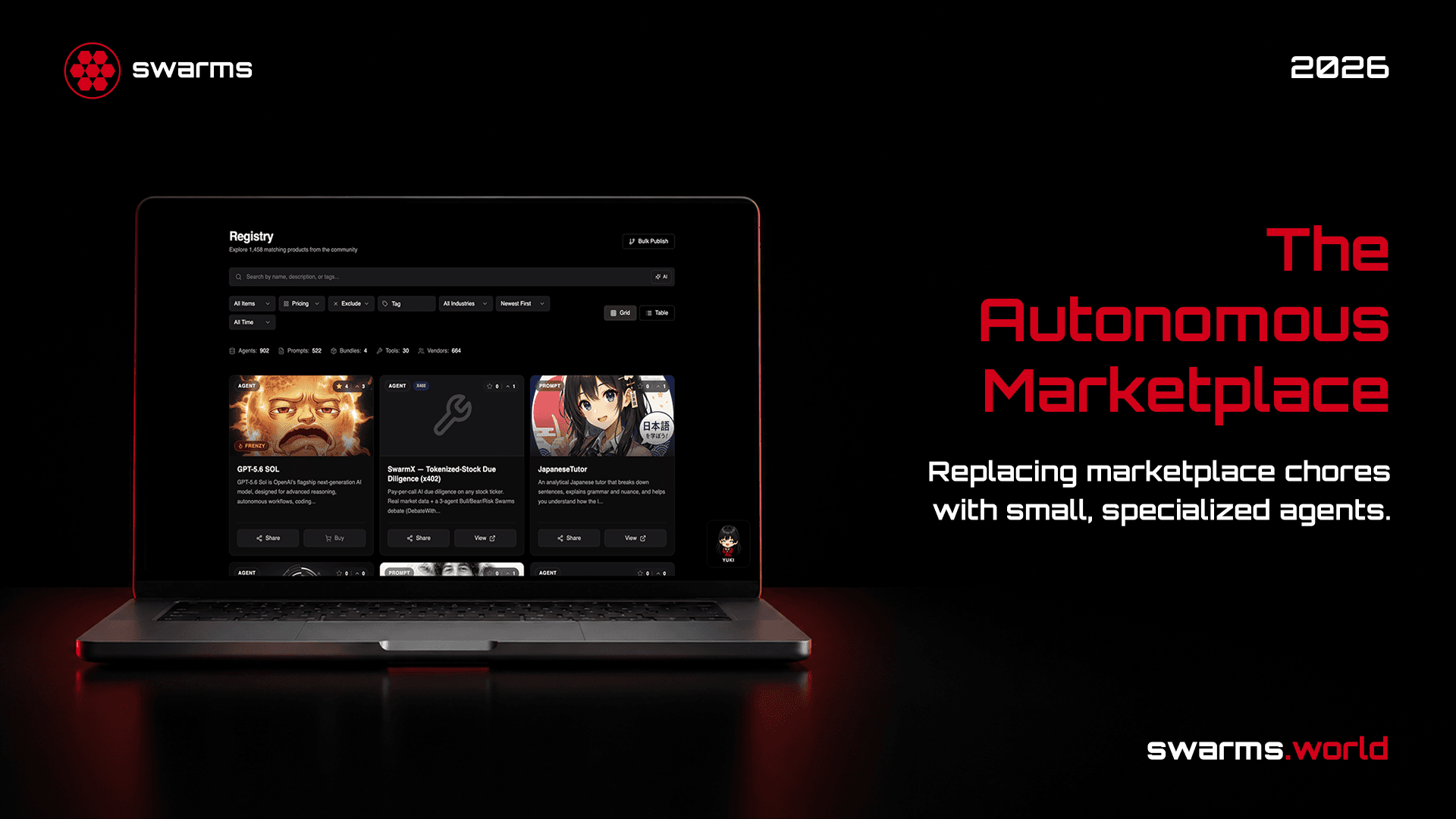
Swarms Marketplace
Discover, buy, and sell agents, prompts, tools, MCP servers, and skills. Publish for free. Keep 90% of every sale.
Two sides, one marketplace
Come to find something. Stay to sell something.
Every listing on swarms.world was published by someone who started on the other side of this page.
Discover
Browse production-ready agents, prompts, tools, MCP servers, and skills built by the community. Filter by industry, sort by what's trending, or just describe what you need in plain English. Load anything you buy straight into the Swarms framework in a few lines.
Browse the registryPublish & monetize
List what you've built in minutes. No listing fee, no approval queue, no minimum reputation before you can charge. Choose how you get paid: a one-time sale, a tokenized launch with ongoing trading fees, or token-gated Vault access.
Publish a productWhat's on the marketplace
Five product types for sale.
Every listing on swarms.world is one of these five types, and each one can be published free or sold at a one-time price.
Discovery
Or just describe what you need.
Type “free healthcare agents from this month” into the registry search bar. An agent translates that sentence into filters and applies them live, then automatically relaxes them if nothing matches.
Natural language search
Describe what you want in plain English. Filters set themselves, and relax automatically if nothing matches.
Trending sections
Top-Rated, Community Favorites (ranked by shares and downloads), Recent Additions, and platform-Featured Content.
Tags and ratings
Creators tag every listing, and community upvotes drive the "most popular" sort, so good work surfaces fast.
MCP Portal
Every MCP-tagged agent, prompt, and tool has its own home at swarms.world/mcp, browsable without an account.
Framework integration
Buy it, and it's already in your code.
Marketplace components load into the Swarms Python framework by ID, and agents publish back with a single parameter.
from swarms import Agent

# Fetches the prompt from the marketplace and installs it
# as the system prompt automatically.
agent = Agent(
    model_name="gpt-4o-mini",
    marketplace_prompt_id="75fc0d28-b0d0-4372-bc04-824aa388b7d2",
)

response = agent.run("Summarize the key risks in this quarterly filing.")
Swarms Marketplace MCP
Swarms Marketplace MCP
swarms.world/mcp is a Model Context Protocol server. Connect Claude Code, Cursor, or any MCP client with your Swarms API key, and your agent can search 6,000+ agents, prompts, and tools, read free listings in full, and publish and manage its own.
Search the catalog by name, tag, category, use case, or price, then fetch any listing by id.
Free agents come back with their runnable source, and free prompts with their full body.
Publish and edit your own agents and prompts, leave reviews, and publish bundles of up to fifty items.
Runs as the account that owns the API key, so an agent can act for you without a browser.
claude mcp add --transport http swarms https://swarms.world/mcp \
  --header "Authorization: Bearer $SWARMS_API_KEY"
Business models
Choose how you get paid.
Every model runs at the same flat, honest fee. Mix and match across your own catalog: the rail is chosen per listing, not per account.
Marketplace API
Developer Integration
The marketplace publishes a self-generating OpenAPI 3.1 spec, built from the same route code and validators the live API runs, so it cannot drift from what the API actually accepts.
swarms.world/openapi.json: the full spec, generated at build time from the actual route files.
swarms.world/llms.txt: the same 26 endpoints, human- and agent-readable, cataloged by purpose.
Read endpoints (search, listing detail, catalogs) are public. No key required.
Publishing and account endpoints require an API key from your platform dashboard.
# The full API surface, generated from the live route code,
# so it cannot drift from what the API actually accepts.
curl https://swarms.world/openapi.json

# Human- and agent-readable index of the same 26 endpoints,
# grouped by purpose.
curl https://swarms.world/llms.txt
Publishing workflow
From idea to listing, in four steps.
Set up payouts
Optional. Connect a Stripe seller account if you want card sales. Skip it entirely for crypto-only.
Decide type and price
Agent, prompt, tool, MCP server, or skill. Set a one-time price, or publish free.
Publish from /launch
From the dashboard, or programmatically with publish_to_marketplace=True in the SDK.
Choose your rail
Crypto (SOL) or Card (Stripe), per listing. Same flat 10% fee either way.
FAQ
Common questions
Ready to join the agent economy?
Browse thousands of production-ready agents, prompts, tools, MCP servers, and skills, or publish your own in the next five minutes.