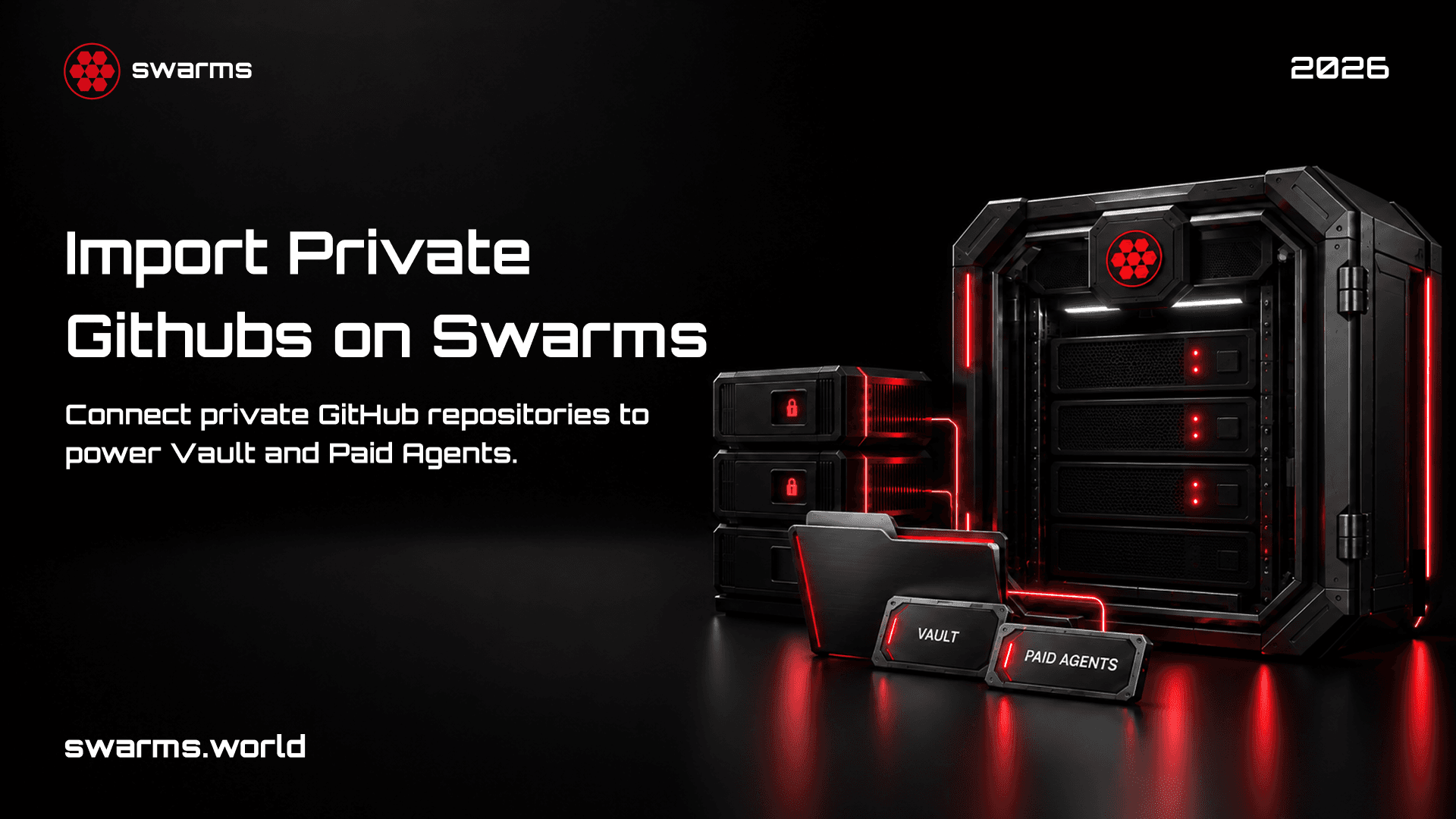
The Swarms Marketplace can now import from your private GitHub repositories.
Until now the importer could only read public repositories. The panel said so plainly, and the consequence was that anyone whose agent lived in a private repository had to copy the code across by hand, paste in a description, retype the dependencies, and keep the two in sync from then on. Most people building something worth selling are working in a private repository, so the importer was unavailable to exactly the audience it was built for.
That is fixed. Connect GitHub once, pick which repositories to share, and publish from any of them. The repository stays private throughout.
Why this matters for paid agents
There is a specific reason this lands now rather than as a convenience feature.
Selling an agent and open sourcing it are different decisions. A free listing can point at a public repository and lose nothing. A paid one cannot: if the code is public, the thing you are selling is available beside the listing for nothing. Before this change, publishing a paid agent meant either open sourcing the work you intended to charge for, or hand copying it into a form and maintaining a second copy forever.
Private import removes that tradeoff. The repository stays private, the listing carries what a buyer needs to evaluate it, and the two stay connected without a manual step in between.
This matters most for the three commercial paths on the marketplace:
Paid listings set a price in USD. Buyers pay once and get access. The source stays in your private repository.
Tokenized listings mint a token for the agent. Access follows token holdings rather than a one-off purchase, which lets the people using an agent hold a stake in it.
Vault Mode is a setting on a tokenized listing rather than a third pricing model, and it is worth knowing the distinction before you publish. With Vault Mode on, the entity page is gated for anyone who does not hold the token: non-holders see a blurred page and a buy prompt, while holders and the creator see everything. Because it already gates access by token holdings, Vault Mode is not compatible with a fixed USD price, and the publish form will tell you so if you try to set both.
How to do it
- Sign up at swarms.world.
- Go to swarms.world/publish and select Agent.
- Open Import from GitHub. The first time, you will see a Connect GitHub button.
- Connect, and choose which repositories to share on GitHub's own install screen.
- Pick a repository from the list. The form fills in.
- Choose your business model at the bottom: Paid, Tokenized, or Tokenized with Vault Mode.
- Publish.
After the first time, steps three and four disappear. The list is simply there, because the connection belongs to your account rather than to one browser.
What gets imported
Selecting a repository fills in the name, the description and README, the main implementation file, the language, the repository topics as tags, and the dependencies read from requirements.txt or pyproject.toml.
All of it is editable before you publish. The import is a starting point, not a commitment, and the listing it produces is yours to shape.
How it works
The part worth explaining is what the marketplace can and cannot see, because you are being asked to connect a service to your private source code and that deserves a direct answer rather than a reassuring adjective.
This is built on a GitHub App, not an OAuth login. The difference is not cosmetic.
An OAuth app asking for repository access asks for the repo scope, and that scope is all or nothing: it grants read and write access to every private repository you can see, and the service that asked for it holds a long-lived token until you remember to revoke it. A great many integrations work this way. It means a breach at that service is a breach of all of your code.
A GitHub App works differently, and the properties below are what the marketplace actually relies on:
You choose the repositories. Not all of them, not a category, an explicit list you tick on GitHub's install screen. Repositories you do not select are invisible to the marketplace. It cannot enumerate them or discover that they exist.
Read only. The app holds two permissions: Contents read-only, so it can read files, and Metadata read-only, so it can list what you shared. There is no write permission of any kind. It cannot push a commit, open a pull request, change a setting, or trigger a workflow. Not by policy but by capability, because GitHub will refuse the request.
No stored credential. The marketplace does not keep a GitHub token. When you import, the server signs a request with a private key it holds, exchanges it for an access token scoped to the repositories you selected, uses that token, and discards it. The token expires in one hour. There is no long-lived key sitting in a database waiting to be stolen.
Nothing reaches your browser. The token is minted and used server side. It never appears in a page, a network response, or local storage.
Every read is checked. Before reading a repository, the server asks GitHub whether your installation actually covers it. Naming a repository you did not share does not work.
You revoke it, not us. Visit github.com/settings/installations to remove repositories or uninstall entirely. It takes effect immediately and the marketplace cannot override it.
The short version: the marketplace can read the repositories you picked, for as long as you allow it, and can do nothing else.
Public repositories still work
If your agent is already public, nothing changes. The URL box is still there under the repository picker, and pasting a public repository URL works exactly as before, with no connection required.
Start here
Open swarms.world/publish, choose Agent, and expand Import from GitHub. If you have already connected, your repositories are waiting. If not, connecting takes about thirty seconds and you decide what to share.
Browse what other people have published at swarms.world/platform/registry.