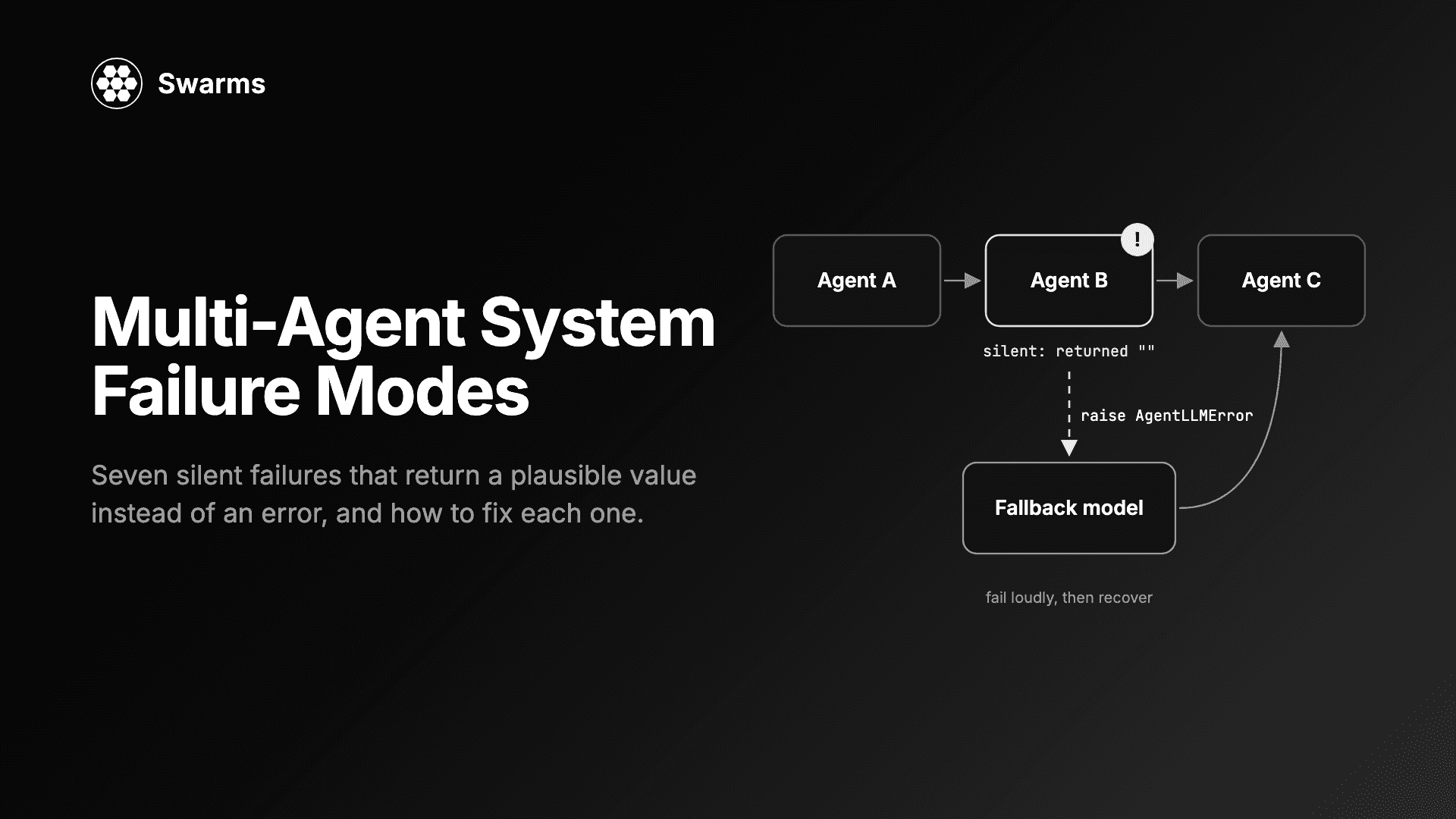
The worst multi-agent system failure modes do not crash. They return something that looks like an answer: an empty string, a transcript, a "completed" marker, a tool result marked as a success. Nothing raises, every call is billed, and the defect surfaces days later as a wrong answer someone acted on.
This guide walks through seven of these, each taken from a real defect found and fixed during the Swarms v16 "Overclock" release. They are not specific to Swarms. Any system that chains LLM calls, tools and agents has the same seams, and the same mistakes are easy to make in your own orchestration code. For each one you get the mechanism, what a user actually saw, how to detect it in your own system, and the fix, with code that runs. Every defect below is fixed in Swarms 16.
If you are new to the topic, what is a multi-agent system covers the basics, and single agent vs multi-agent covers when the extra moving parts are worth it.
Install and setup
pip install -U swarms
# or
uv pip install -U swarms
Three of the examples call gpt-5.4-mini, so set an OpenAI key. The rest use stub agents or deliberately broken model names and cost nothing.
export OPENAI_API_KEY="sk-..."
A .env file in your working directory with the same line works too; Swarms loads it automatically. Then check the version:
python -c "import swarms; print(swarms.__version__)"
Everything here needs Swarms 16 or later.
Multi-agent system failure modes: why the silent ones cost most
A crash is cheap. It stops the run, points at a line, and nobody acts on its output. Silent failures in AI agents are expensive because it passes every check that only asks "did it return?" In a multi-agent system the cost compounds: one agent's empty answer becomes the next agent's context, and the final synthesis reads confidently over a hole.
The v16 changelog describes the common thread in one line: each of these "returned a plausible value instead of an error." Keep that phrase in mind as the test for your own code. Wherever a failure can be converted into a normal-looking return value, it eventually will be.
1. A failed LLM call returns an empty string
Mechanism. When an LLM call failed every retry, the agent loop broke out and returned the formatted history. run() handed back "" or the prompt, with no error. Because nothing was raised, the fallback handler never ran, so fallback_models were never tried even when configured (#2418).
What users saw. An agent with a revoked key, a retired model or an exhausted quota "succeeded" with blank output. In a pipeline, the next agent was asked to work from nothing.
How to detect it. Point an agent at a model name that cannot exist and check what comes back. If your code has if not result: branches after an LLM call, they are hiding this failure mode. Treat an empty completion as an error, not as data.
The fix. A failed call now raises AgentLLMError after its retries. Before raising, run() tries each fallback model in turn, and removes the turns the failed attempt added to memory so the fallback model does not see the task twice. When fallback_models is set, its first entry is the primary.
from swarms import Agent, AgentLLMError

TASK = "In one sentence: why should a failed LLM call raise an error?"

# No fallback: a model that cannot be reached now raises.
broken = Agent(
    agent_name="Broken-Agent",
    model_name="gpt-5.4-typo",
    max_loops=1,
    retry_attempts=1,
    print_on=False,
)

try:
    broken.run(TASK)
except AgentLLMError as e:
    print(f"Raised {type(e).__name__}: {str(e)[:90]}...")

# With fallbacks: the first entry is the primary, the rest are tried in order.
resilient = Agent(
    agent_name="Resilient-Agent",
    fallback_models=["gpt-5.4-typo", "gpt-5.4-mini"],
    max_loops=1,
    retry_attempts=1,
    output_type="final",
    print_on=False,
)

answer = resilient.run(TASK)
print("Served by:", resilient.get_current_model())
print("Answer:", answer)
Output from our run, with Swarms' error logs trimmed:
Raised AgentLLMError: Agent 'Broken-Agent' got no response from 'gpt-5.4-typo' after 1 attempt(s): litellm.BadRe...
Served by: gpt-5.4-mini
Answer: A failed LLM call should raise an error because it clearly signals that the requested operation did not complete successfully, allowing the caller to handle the failure explicitly rather than silently using bad or incomplete output.
Two details matter in production. Swarms logs a [Model Switch] warning every time it falls back, so alert on it: a fallback that fires every request is an outage you are paying to hide. And the agent stays on the fallback model for later runs until you call agent.reset_model_index().
2. A tool failure is blamed on the model
Mechanism. The tool-execution error was raised inside the same try whose handler caught generation errors. A tool that exhausted its retries was logged as an LLM error, and the model was re-run retry_attempts times before the run ended blaming the provider (#2148). Separately, the tool batch had its own hidden retry on top of the outer one, so a failing tool ran six times by default, and tools in the same batch that had already succeeded ran again each time (#2351).
What users saw. Logs said the provider was failing when a downstream API was. Token spend went up on every tool outage. For tools with side effects, such as sending an email or placing an order, the action was repeated.
How to detect it. Give a tool a counter and make it raise. Assert it ran exactly as many times as your retry setting, and that the model was not called again for a failure it cannot fix. Make side-effecting tools idempotent regardless.
The fix. A tool failure is now recorded as a tool error the model can read, and the agent leaves the retry loop but not the run. The batch runs once per tool_retry_attempts attempt.
from swarms import Agent


def get_exchange_rate(base: str, quote: str) -> str:
    """Get the current exchange rate between two currencies.

    Args:
        base: Base currency code, e.g. 'USD'.
        quote: Quote currency code, e.g. 'EUR'.

    Returns:
        The exchange rate as a string.
    """
    raise ConnectionError("rates API returned HTTP 503")


agent = Agent(
    agent_name="FX-Agent",
    system_prompt="Answer currency questions. If a tool fails, say so plainly and do not guess a number.",
    model_name="gpt-5.4-mini",
    tools=[get_exchange_rate],
    tool_retry_attempts=1,
    max_loops=2,
    output_type="final",
    print_on=False,
)

print(agent.run("What is the USD to EUR exchange rate right now?"))
On our run the tool ran once, the model was not retried, and the second loop answered:
I attempted to fetch the USD to EUR exchange rate, but the tool call failed and returned no result. I can’t reliably provide a number without the tool output.
max_loops=2 gives the model a turn to read the failure. The system prompt line about not guessing is the other half of agent error handling: the framework surfaces the failure, and your prompt decides what the agent does with it.
3. An orchestrator outage is reported as success
Mechanism. In HierarchicalSwarm, step() logged its exception and returned None, so the handler in run() was unreachable. A failed step advanced the loop counter, wrote --- Loop N/M completed --- for a loop that ran nothing, and fed None into the next loop. run() returned a transcript and raised nothing even when the director failed on every loop (#1886).
What users saw. A run that looked complete, with progress markers, and no work in it.
How to detect it. Break the coordinator deliberately and assert the run raises. Search your own orchestration code for except Exception blocks that log and return None; each one converts an outage into an empty result for the next layer.
The fix. The error now reaches run(). If every loop fails, the last error is raised. If only some fail, the run returns and the transcript records --- Loop N/M failed: <error> --- rather than "completed".
from swarms import Agent, HierarchicalSwarm

workers = [
    Agent(agent_name="Researcher", model_name="gpt-5.4-mini", max_loops=1, print_on=False),
    Agent(agent_name="Writer", model_name="gpt-5.4-mini", max_loops=1, print_on=False),
]

# The director's model is unreachable, which simulates a provider outage.
swarm = HierarchicalSwarm(
    agents=workers,
    director_model_name="gpt-5.4-typo",
    director_settings={"retry_attempts": 1},
    max_loops=2,
    print_on=False,
)

try:
    swarm.run("Write a two-line product update.")
    print("Reported success")
except Exception as e:
    print(f"Run failed loudly: {type(e).__name__}")
Run failed loudly: AgentLLMError
The workers are never called, so this costs nothing to run.
4. MCP tool errors are reported as successes
Mechanism. The mcp 2.x SDK renamed CallToolResult.isError to is_error. Swarms read the old name with getattr(result, "isError", False), which on 2.x always returned the default. Every failed MCP tool call was reported to the agent as a success (#2128). structuredContent was renamed the same way and failed the same way.
What users saw. Agents carried on as if a write had succeeded, and reported results built on calls that never completed.
How to detect it. This is the lesson that generalizes furthest: getattr with a default on a third-party object turns an upstream rename into silently wrong behaviour. Keep a contract test with a tool that always fails, and run it whenever a dependency changes.
The fix. Swarms reads both names, so the flag is right on mcp 1.x and 2.x. Here is that contract test. Save the server as flaky_server.py:
try:
    from mcp.server.mcpserver import MCPServer  # mcp 2.x
except ImportError:
    from mcp.server.fastmcp import FastMCP as MCPServer  # mcp 1.x

server = MCPServer(name="inventory")


@server.tool()
def reserve_stock(sku: str, quantity: int) -> str:
    """Reserve stock for an order."""
    raise RuntimeError(f"warehouse API timed out reserving {quantity} x {sku}")


if __name__ == "__main__":
    server.run()
Then call it through Swarms over stdio, which starts the server for you:
import sys

from swarms import MCPConnection, MCPManager

manager = MCPManager(
    mcp_config=MCPConnection(
        transport="stdio",
        command=sys.executable,
        args=["flaky_server.py"],
    )
)

result = manager.call_tool("reserve_stock", {"sku": "SKU-42", "quantity": 3})

print("is_error:", result["is_error"])
print("result:", result.get("result"))
assert result["is_error"], "A failed MCP tool call was reported as a success"
is_error: True
result: Error executing tool reserve_stock: warehouse API timed out reserving 3 x SKU-42
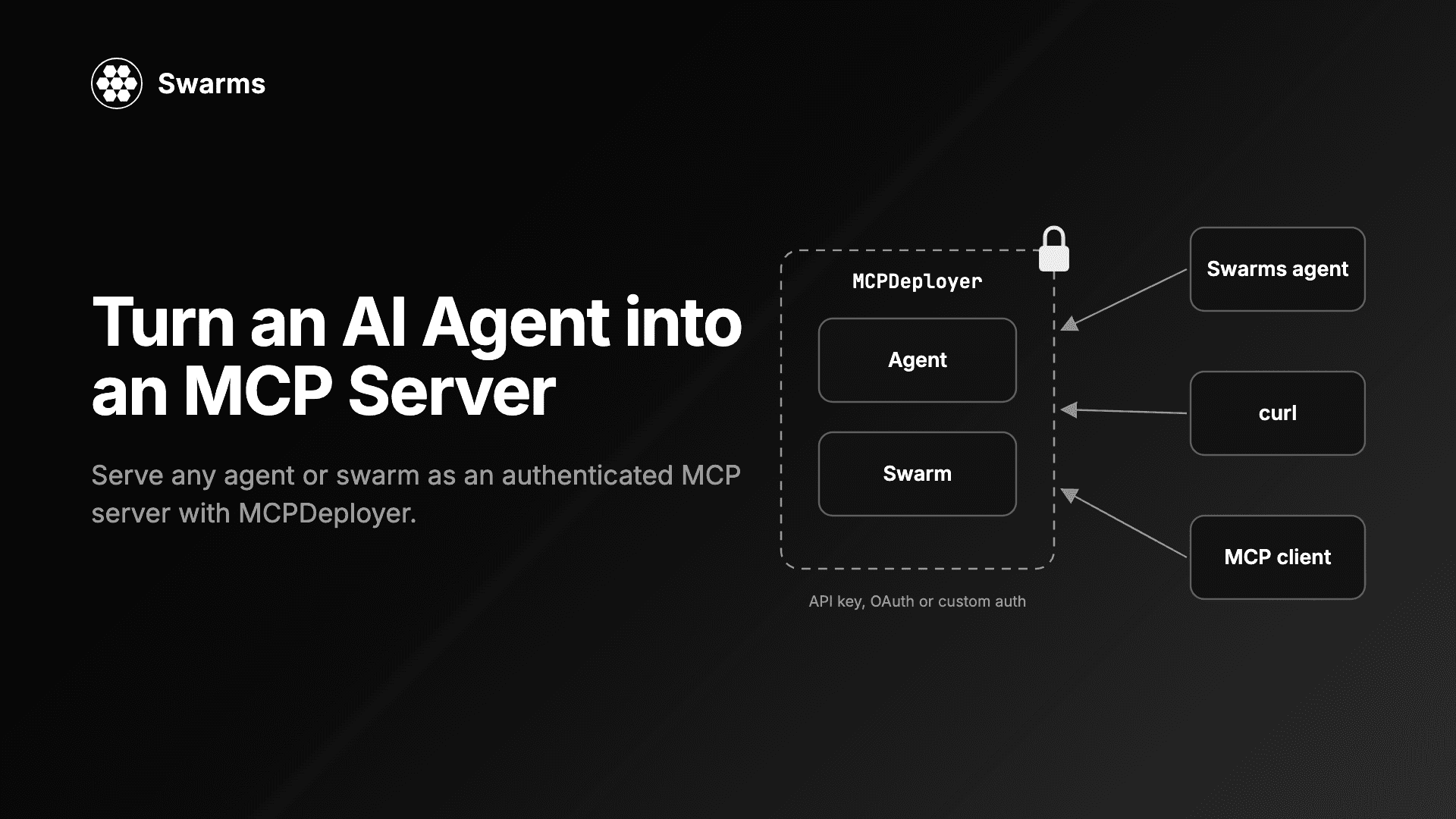
We ran this on mcp 2.0.0. If you serve your own agents over MCP, turning an AI agent into an MCP server covers the other side of the connection.
5. Conversation state leaks between tasks
Mechanism. Most multi-agent structures built their Conversation once in __init__ and never reset it. A second run() on the same instance served the previous task's transcript as context, and every batch entry point is a loop over run on one instance. So batched_run(["task A", "task B"]) answered B with A in context and returned A's turns inside B's result. In ConcurrentWorkflow with output_type="dict", two runs returned the same live list, so the first caller's result grew after the fact (#2176, #2332).
What users saw. Answers that referred to an earlier, unrelated request. In a multi-tenant service, that is one customer's data in another customer's prompt.
How to detect it. Plant a canary. Put a unique string in task A, run task B on the same instance, and assert the canary never appears in anything an agent received. A stub agent that records its inputs makes this a free unit test:
from swarms import RoundRobinSwarm


class RecordingAgent:
    """A stub agent that records every message it is shown. No API calls."""

    def __init__(self, agent_name):
        self.agent_name = agent_name
        self.seen = []

    def run(self, task, *args, messages=None, **kwargs):
        self.seen.append(str(task) + str(messages or ""))
        return f"{self.agent_name} done"


alice, bob = RecordingAgent("Alice"), RecordingAgent("Bob")
swarm = RoundRobinSwarm(agents=[alice, bob], max_loops=1)

swarm.run("Task A. Customer secret: CANARY-7F3A")
alice.seen.clear()
bob.seen.clear()

swarm.run("Task B. Summarise the release notes.")

leaked = any("CANARY-7F3A" in m for m in alice.seen + bob.seen)
print("Task A leaked into task B:", leaked)
assert not leaked
Task A leaked into task B: False
The fix. Twelve structures now reset their conversation per run, including RoundRobinSwarm, HierarchicalSwarm, GroupChat, DebateWithJudge and ConcurrentWorkflow. Concurrent paths run each task on a shallow clone so threads cannot share one transcript. If you relied on carry-over between runs, hold the Conversation yourself.
6. Concurrent results come back in completion order
Mechanism. ConcurrentWorkflow had two execution paths. The dashboard path paired results back to agents by position; the default path drained as_completed. A display flag changed the data you got back. With three agents stubbed at 0.30 s, 0.20 s and 0.05 s, show_dashboard=False returned them in exactly reverse order (#2318).
What users saw. Code that read "the first result" got whichever agent was fastest that day. Results zipped against the input list were attributed to the wrong agent, and only intermittently, because latency varies.
How to detect it. Stub agents with latencies in reverse order of submission and assert the output order. Real agents rarely finish in a stable order, so this bug passes most live tests by luck.
import time

from swarms import ConcurrentWorkflow


class SlowAgent:
    """A stub agent that sleeps, then answers. No API calls."""

    def __init__(self, agent_name, delay):
        self.agent_name = agent_name
        self.delay = delay

    def run(self, task, *args, **kwargs):
        time.sleep(self.delay)
        return f"{self.agent_name} answer"


agents = [
    SlowAgent("First", 0.30),
    SlowAgent("Second", 0.20),
    SlowAgent("Third", 0.05),
]

workflow = ConcurrentWorkflow(agents=agents, output_type="dict", autosave=False)
result = workflow.run("Same task for everyone")

order = [m["role"] for m in result if m["role"] != "User"]
print("Returned order:", order)
assert order == ["First", "Second", "Third"]
Returned order: ['First', 'Second', 'Third']
The fix. Results are collected by iterating the futures in submission order, not as_completed. In your own code, the rule is the same: pre-allocate a slot per input and fill it by index, or zip futures with their inputs.
7. A timestamp frozen at import time
Mechanism. The default Agent system prompt and the autonomous-loop prompt were module-level f-strings, so the time in them was computed once, at import. The default prompt was frozen twice over, because it was also a default parameter value, which Python evaluates once. Every agent in a long-lived process was told the time the process started (#2134, #2242).
What users saw. A server running for a week gave answers about "today" that were a week old.
How to detect it. Search for module-level f-strings and default arguments that call datetime.now(), time.time() or anything else that changes. The mechanism fits in ten lines:
import time
from datetime import datetime

# The bug: an f-string at module level is evaluated once, at import.
PROMPT = f"You are a helpful assistant. Time: {datetime.now():%H:%M:%S}"


# The fix: build the prompt when it is used.
def build_prompt() -> str:
    return f"You are a helpful assistant. Time: {datetime.now():%H:%M:%S}"


time.sleep(2)
print("Constant:", PROMPT)
print("Function:", build_prompt())
Constant: You are a helpful assistant. Time: 10:36:15
Function: You are a helpful assistant. Time: 10:36:17
The fix. Swarms now builds both prompts when the agent is constructed. That covers any agent you create per task. An Agent object you keep alive for days still carries the time it was built, so send the time with each task:
from datetime import datetime

from swarms import Agent

agent = Agent(agent_name="Clock-Agent", model_name="gpt-5.4-mini", max_loops=1, print_on=False)

# The default system prompt is built when the agent is constructed.
print([line for line in agent.system_prompt.splitlines() if line.startswith("Time:")])

# For an agent object you keep alive for days, send the time with each task.
task = f"Current time: {datetime.now().astimezone():%Y-%m-%d %H:%M %Z}. Is it a weekday?"
print(task)
['Time: Current date and time: Saturday, October 03, 2026 10:36 EDT']
Current time: 2026-10-03 10:36 EDT. Is it a weekday?
This script makes no API call.
AI agent reliability: practices that catch all seven
The seven defects share a shape, so the defences do too.
- Fail loudly at every layer. An agent, a swarm and a router should each raise when they produced nothing. Never let
except Exception return None or an empty string into the next layer.
- Test the failure path, not just the happy path. A broken model name, a tool that raises, an MCP tool that errors and a stub with reversed latencies cost nothing and catch four of the seven.
- Use canaries for isolation. One unique string in task A, asserted absent from task B, catches state leaks in any structure.
- Count calls. Retries that multiply silently show up as tool counters and token totals. Tracking token usage and cost makes a retry storm visible in the bill before it shows up in the logs.
- Put dynamic values in at call time. Times, dates and anything per request belong in a function, not a constant.
- Add fallbacks at two levels. An LLM fallback model covers a provider outage for one agent. For the whole architecture,
SwarmRouter(fallback_swarms=...) tries the next swarm type when one fails.
from swarms import Agent, SwarmRouter

agents = [
    Agent(
        agent_name="Researcher",
        system_prompt="List three facts about the topic. Be brief.",
        model_name="gpt-5.4-mini",
        max_loops=1,
        print_on=False,
    ),
    Agent(
        agent_name="Writer",
        system_prompt="Turn the facts you are given into one short paragraph.",
        model_name="gpt-5.4-mini",
        max_loops=1,
        print_on=False,
    ),
]

router = SwarmRouter(
    agents=agents,
    swarm_type="HierarchicalSwarm",
    director_model_name="gpt-5.4-typo",  # simulate a director outage
    director_settings={"retry_attempts": 1},
    fallback_swarms=["SequentialWorkflow"],
    output_type="final",
)

result = router.run("Why do multi-agent systems need fallbacks?")

print("Served by:", router.active_swarm_type)
for attempt in router.fallback_attempts:
    print("Failed:", attempt["swarm_type"], "-", type(attempt["error"]).__name__)
print(result)
From our run:
Served by: SequentialWorkflow
Failed: HierarchicalSwarm - AgentLLMError
Multi-agent systems need fallbacks to keep working when a primary agent fails or times out, ...
The fallback is built from the same agents and configuration and given the same task. If every type fails, SwarmRouterRunError is raised with the attempts attached. This only works because of fix 3: before it, the hierarchical swarm's outage looked like success and the router had nothing to fall back from. Log fallback_attempts on every run. Agent orchestration patterns covers which architectures make sensible fallbacks for each other.
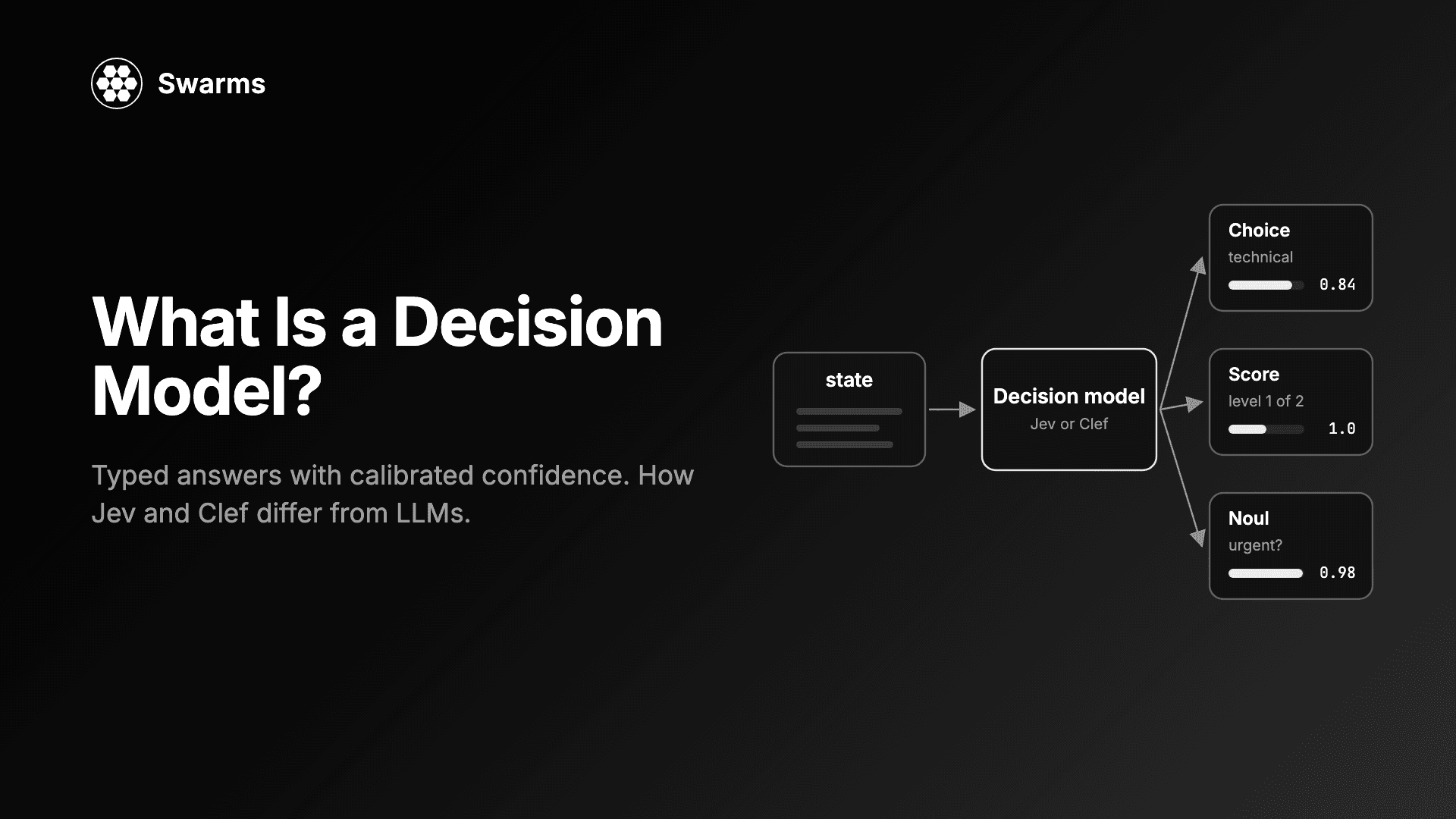
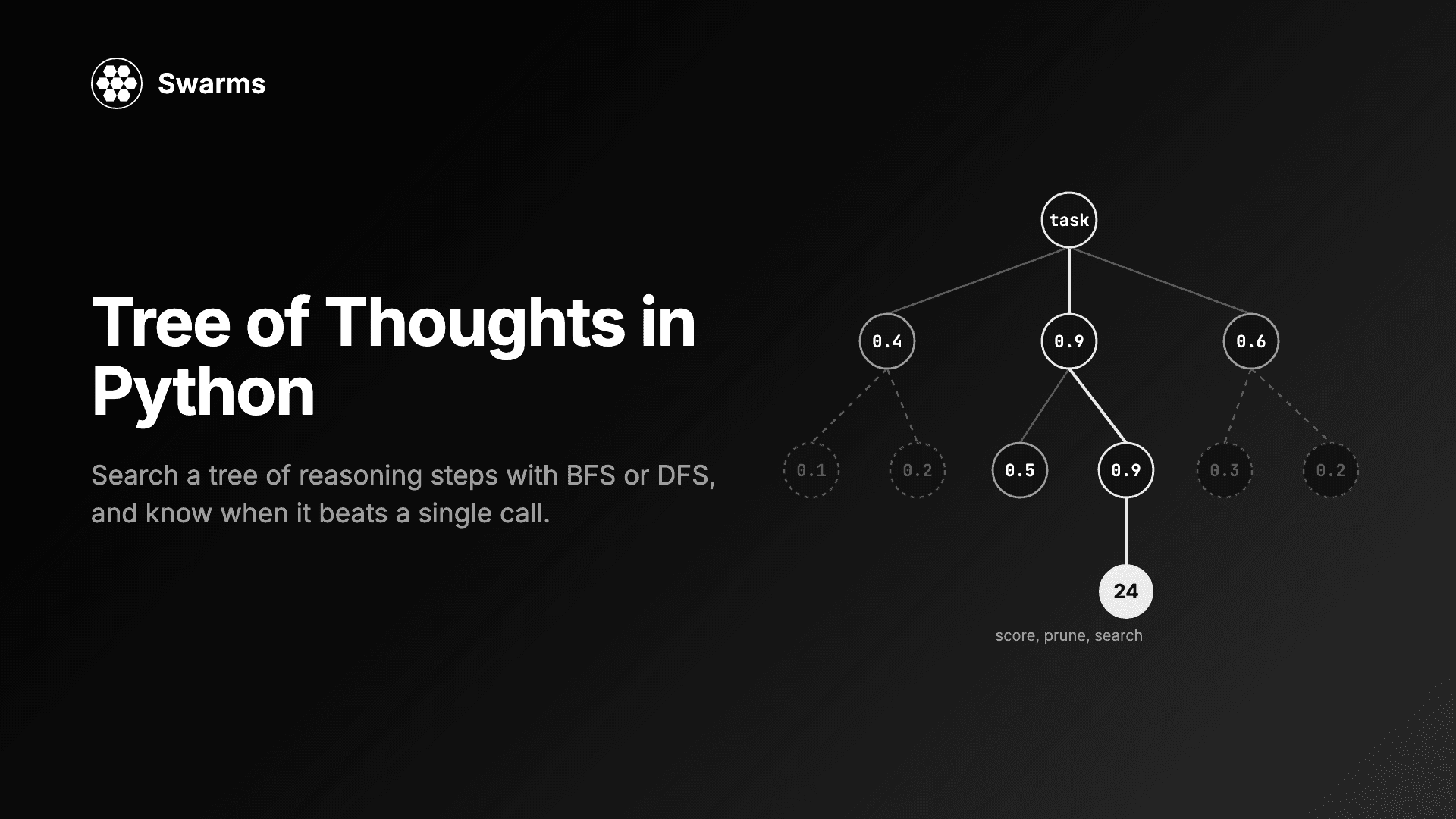
Two related tools: when a step is really a classification, a decision model returns a typed, calibrated answer rather than free text you have to parse, and Tree of Thoughts helps on problems where one pass is not reliable enough.
FAQ
What are the most common failure modes in multi-agent systems?
The costly ones are silent: failed LLM calls that return empty output, tool errors that are retried through the model or reported as successes, orchestrator outages reported as completed runs, conversation state leaking between tasks, results returned in the wrong order, and stale values such as timestamps baked into prompts. Each returns something that looks valid, which is why they reach production.
How do I add a fallback model to an AI agent in Python?
In Swarms, pass fallback_models=["primary-model", "backup-model"] to Agent. The first entry is the primary. If it fails after retry_attempts, the next is tried, and if all fail, AgentLLMError is raised. agent.get_current_model() tells you which model served the run.
Why does my AI agent return an empty string?
Usually because a failed LLM call was turned into a normal return value somewhere in the stack. Before Swarms 16, an agent whose call failed every retry returned "" or the prompt. From 16 onwards it raises AgentLLMError, so catch that exception or configure fallback_models.
How do I test a multi-agent system for silent failures?
Inject failures on purpose: an invalid model name, a tool that raises, an MCP tool that always errors, stub agents with reversed latencies, and a canary string in one task that must never appear in the next. None of these need API calls, and each one checks that the failure surfaces as an error.
Does Swarms retry failed tool calls?
Yes, up to tool_retry_attempts times (3 by default), once per attempt. If the tool still fails, the error is recorded in the conversation as a tool error and the model is not re-run for it, so with max_loops of 2 or more the agent can read the failure and respond.
Every fix above is documented, with its PR, in the Swarms v16 changelog. The framework is open source at github.com/kyegomez/swarms.