Every tokenized agent and prompt on the Swarms Marketplace now launches directly on Meteora's Dynamic Bonding Curve (DBC). Until today, launches went through Jupiter Studio as a middle layer. We now build the launch transaction ourselves with Meteora's DBC SDK, send it on our own RPC, and read and claim fees straight from the chain.
For creators, this means three headline changes:
- You can pair your token with $SWARMS. SOL and USDC remain available, and $SWARMS is now a third liquidity pair.
- You can earn your creator fees in $SWARMS. Fees are paid in the token your pool is paired with, so a $SWARMS pool pays you in $SWARMS.
- Launches are about 80% faster. With no third-party studio in the loop, your token goes from "Publish" to live in a fraction of the time.
There is more underneath, covered below.
Tokenize in $SWARMS
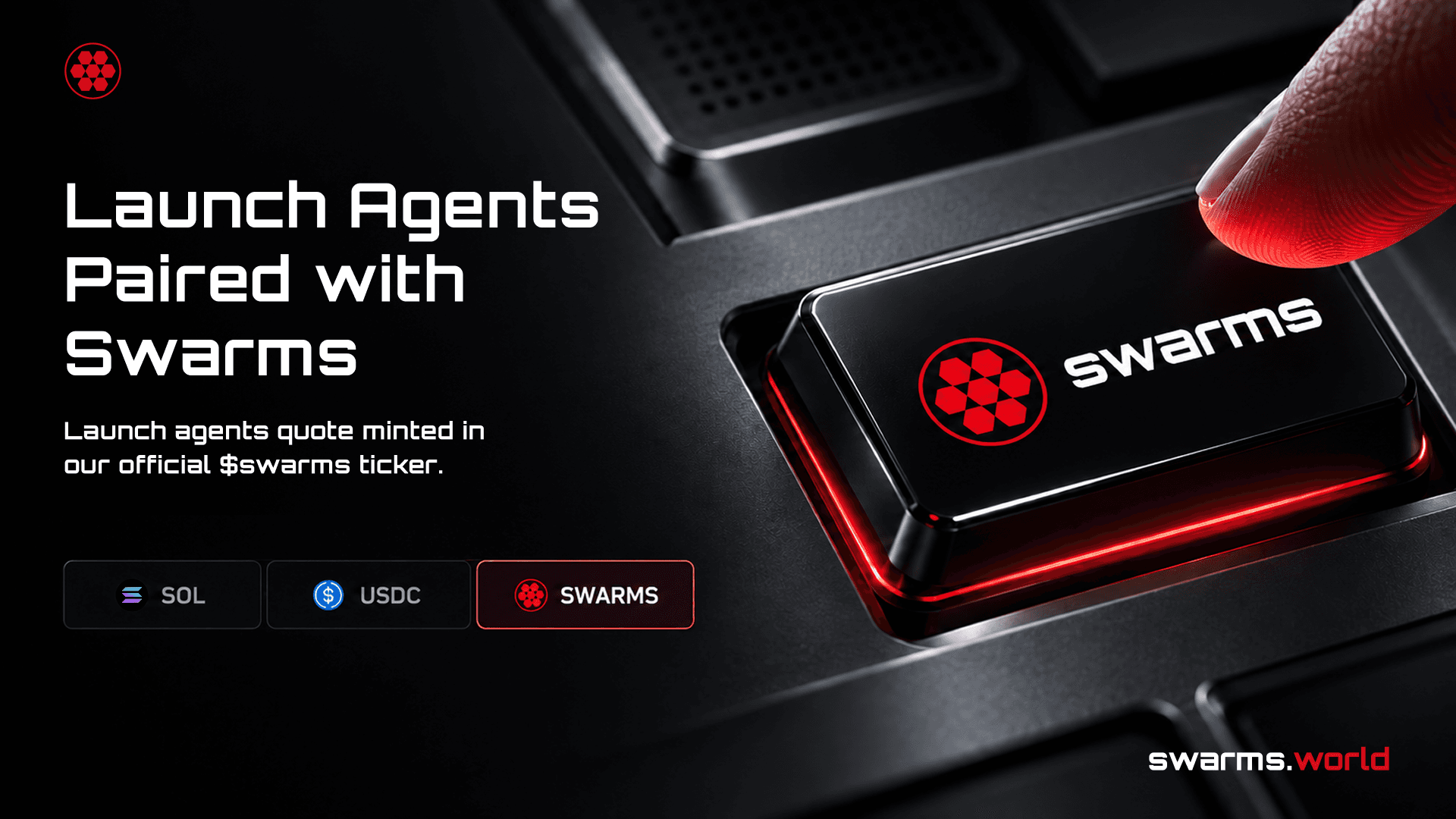
When you tokenize an agent or prompt, you choose the asset your token trades against. That choice now includes $SWARMS (74SBV4zDXxTRgv1pEMoECskKBkZHc2yGPnc7GYVepump), alongside SOL and USDC.
A $SWARMS-paired token is bought and sold for $SWARMS on its bonding curve. Buyers do not need to hold $SWARMS first: a buyer paying with SOL on Jupiter is routed SOL to $SWARMS to your token automatically.
The graduation thresholds are set in US dollars, so every pair behaves the same way. Each curve starts at a market cap of about $3,246 and graduates at about $46,468. For SOL and $SWARMS pools, we convert those figures at the live price when you launch.
To launch with $SWARMS:
- On the launch page, turn on Tokenization and choose $SWARMS as the liquidity pair.
- Or open Quick Launch with $SWARMS preselected.
Earn Fees in $SWARMS
Creator fees are paid in your pool's quote token. Launch against $SWARMS and every trade on your token pays your share in $SWARMS. Launch against SOL or USDC and you are paid in SOL or USDC, as before.
The fee tiers have not changed:
| Standard | Frenzy Mode |
|---|
| Trading fee per trade | 1% | 2% |
| Creator share | Half of the fee, after Meteora's protocol fee | Half of the fee, after Meteora's protocol fee |
The difference is where your share lives. Jupiter Studio paid creators out of its own fee-sharing vault, and on-chain the creator's share was recorded as 0%. On Meteora DBC, your 50% share is written into the pool's config on-chain when it is created. Nothing in between can change it.
Fees show up on the Fees tab in your account in the pool's own currency. You claim them with a transaction you sign in your wallet, exactly as before.
Keep Earning After Graduation
When a token reaches its graduation market cap, its liquidity migrates from the bonding curve to a Meteora DAMM v2 pool. With this update, that liquidity is split 50% to the creator and 50% to the platform, and both halves are permanently locked.
This gives creators a second, long-term income stream. Your locked liquidity position keeps earning trading fees from the graduated pool for as long as the token trades. The liquidity can never be pulled, which also gives holders confidence that it will stay put.
About 80% Faster Launches
A launch is now a single transaction that we build, you sign once in your wallet, and we submit on our own Helius RPC. There is no round trip to a third-party studio and no waiting on an external upload. In practice, launches complete about 80% faster than they did through Jupiter Studio.
And More
swrm token addresses. New tokens get a mint address ending in swrm, so a Swarms launch is recognizable at a glance on Solscan, Jupiter, or any terminal. We pre-generate these addresses in the background, so getting one adds no time to your launch.- Metadata we host. Your token's image and metadata are stored on Swarms infrastructure, so an outside storage service can no longer block or break a launch.
- Safer token defaults. Every token has a fixed 1 billion supply, no mint authority, no freeze authority, and immutable metadata. No one can mint more, freeze holders, or change what your token is after launch.
- Clear name and ticker limits. Names can be up to 32 bytes and tickers up to 10 bytes. We check both before you publish, so an overlong name gets a clear message instead of failing on-chain after your listing is already live.
- Quick Launch mints first. Quick Launch now creates the token before it publishes the agent. If the mint fails or you reject it in your wallet, you are no longer left with a listing that has no token.
What About Tokens Launched Before Today?
Nothing changes for them. Tokens launched through Jupiter Studio keep trading as they did, and their creator fees are still read and claimed through the same Fees tab. Only new launches use Meteora DBC.
How to Launch Now
- Go to swarms.world/launch or Quick Launch.
- Fill in your agent or prompt, then turn on Tokenization.
- Set a ticker of up to 10 characters and choose a liquidity pair: SOL, USDC, or $SWARMS.
- Optionally turn on Frenzy Mode for the 2% fee tier, or Vault Mode to gate access to holders.
- Connect your Solana wallet, publish, and sign the launch transaction once.
Your token goes live with a swrm address and its creator share set on-chain. It earns fees from the first trade and keeps earning after graduation. For the full background on how tokenized agents work, read Tokenized Agents: What They Are, How to Launch One, and How Creators Earn Ongoing Revenue.
Frequently Asked Questions
Do buyers need $SWARMS to buy a $SWARMS-paired token?
No. Buyers paying with SOL on Jupiter are routed through $SWARMS automatically.
Are my creator fees for a $SWARMS pool paid in $SWARMS?
Yes. Fees are paid in the pool's quote token, so a $SWARMS pool pays creator fees in $SWARMS.
Did the fee rates change?
No. Standard is still a 1% trading fee and Frenzy Mode is still 2%. The creator's half is now written into the pool's config on-chain.
What happens to my token when it graduates?
Its liquidity moves to a Meteora DAMM v2 pool, split 50/50 between you and the platform and permanently locked. Your half keeps earning trading fees.
Do I need to do anything for a token I launched before this update?
No. Older tokens keep working, and you claim their fees from the Fees tab as before.