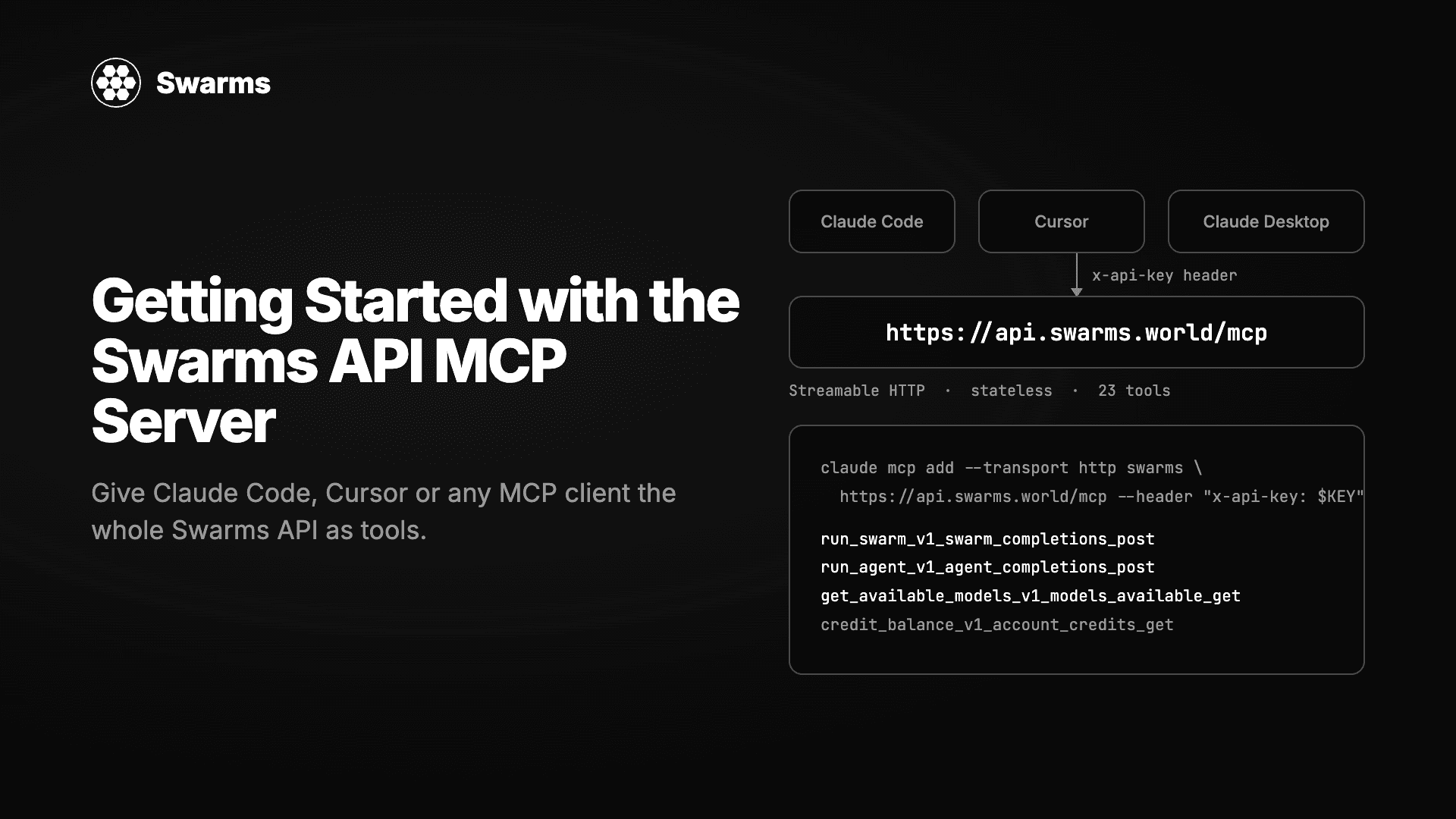
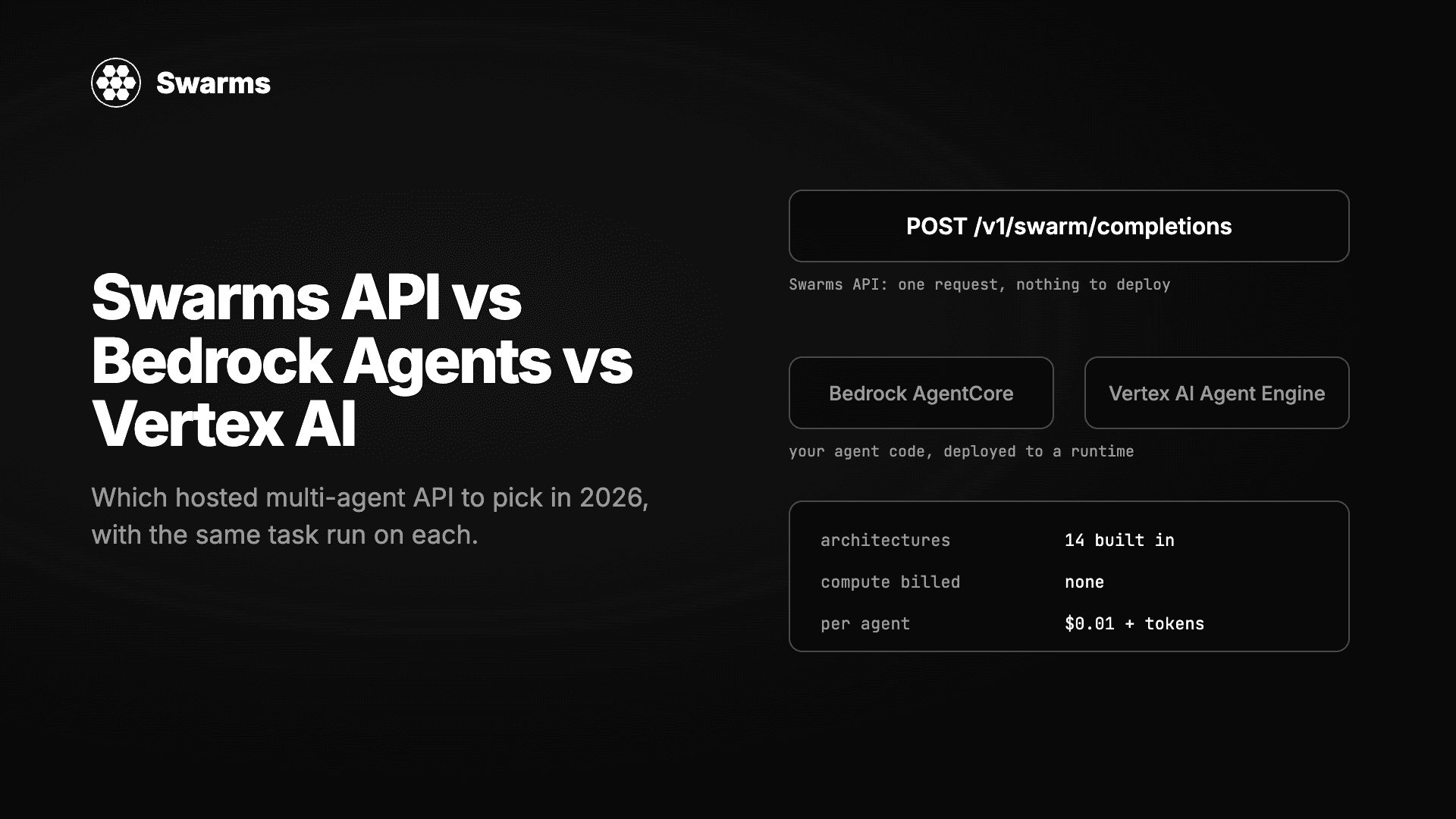
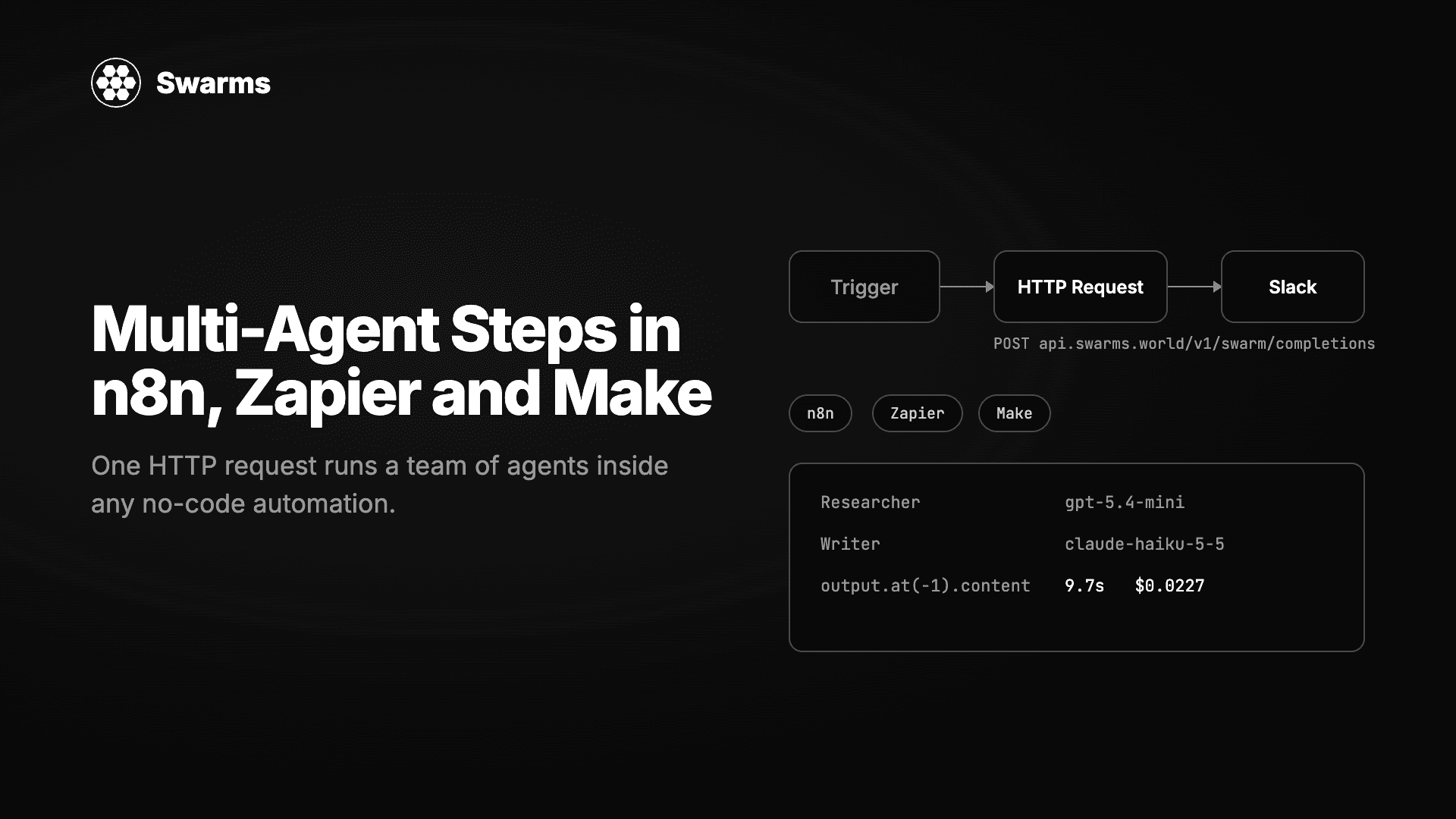
The Model Context Protocol (MCP) is how AI clients discover and call tools. Claude Code, Claude Desktop, Cursor, Windsurf and most agent frameworks speak it. The Swarms API speaks it too: a hosted MCP server at https://api.swarms.world/mcp exposes every endpoint of the Swarms API as a tool, so an assistant you already use can run a single agent, orchestrate a fourteen-architecture multi-agent swarm, check your credit balance or pull your request logs, from a chat prompt or from code.
Nothing to install and nothing to run. You give a client two values, the URL and your API key, and it has the Swarms API. This tutorial covers the setup for each client, what the 23 tools do, your first agent and swarm, how to read results and costs, how to use the server from Python and TypeScript, and the errors you are most likely to meet.
What the server is
| Property | Value |
|---|
| URL | https://api.swarms.world/mcp |
| Transport | Streamable HTTP |
| Protocol version | 2025-06-18 |
| Sessions | Stateless, no Mcp-Session-Id to track |
| Authentication | Your Swarms API key in the x-api-key header on every request |
| Tools | 23, one per API operation |
| Upstream | https://api.swarms.world |
The server holds no key of its own. Each caller sends their own key as a transport header and the server forwards it upstream. Because the key travels in the header and never as a tool argument, the model driving the tools never sees it. Get a key from the API Keys page. Billable tools need a purchased credit balance above $1.
Step 1: connect your client
Claude Code
One command adds the server to Claude Code. Afterwards, Claude Code can call Swarms tools in any session.
claude mcp add --transport http swarms https://api.swarms.world/mcp \
    --header "x-api-key: your_api_key_here"
Check it with claude mcp list, then ask in a session: "Using the swarms MCP server, list the available swarm types." You should see the fourteen architectures come back.
Claude Desktop
Add the server to ~/Library/Application Support/Claude/claude_desktop_config.json on macOS, or %APPDATA%\Claude\claude_desktop_config.json on Windows, and restart the app.
{
  "mcpServers": {
    "swarms": {
      "url": "https://api.swarms.world/mcp",
      "headers": {
        "x-api-key": "your_api_key_here"
      }
    }
  }
}
Cursor
Open Cursor Settings, then MCP, and add the same block, or put it in a project-level .cursor/mcp.json so the whole team gets it with the repo. Keep the key out of version control by using Cursor's environment variable interpolation or a local-only file.
{
  "mcpServers": {
    "swarms": {
      "url": "https://api.swarms.world/mcp",
      "headers": {
        "x-api-key": "your_api_key_here"
      }
    }
  }
}
Windsurf, Codex and everything else
Any client that supports remote MCP servers over Streamable HTTP works with the same two values: the URL and the x-api-key header. The JSON above is the shape most of them accept.
Step 2: verify the connection without any client
The server speaks JSON-RPC over plain HTTP POST, so cURL is enough to prove the key works. This call runs the model-list tool and returns the response as a single Server-Sent Events data: frame.
curl -sS -X POST https://api.swarms.world/mcp \
  -H "Content-Type: application/json" \
  -H "Accept: application/json, text/event-stream" \
  -H "x-api-key: $SWARMS_API_KEY" \
  -d '{
        "jsonrpc": "2.0",
        "id": 1,
        "method": "tools/call",
        "params": {
          "name": "get_available_models_v1_models_available_get",
          "arguments": {}
        }
      }'
No initialize handshake is needed first because the server is stateless. If the key is missing you get an HTTP 401 with a JSON error that names the header to set; in our tests this applied to tools/list as well as tools/call, so send the key on every request.
Tool names mirror the API's operation IDs, so every tool maps to one endpoint in the API reference. The ones you will use most are at the top.
| Tool | Endpoint | What it does |
|---|
run_agent_v1_agent_completions_post | POST /v1/agent/completions | Run one agent, with optional web search and scraping tools |
run_swarm_v1_swarm_completions_post | POST /v1/swarm/completions | Run a multi-agent swarm in any of 14 architectures |
check_swarm_types_v1_swarms_available_get | GET /v1/swarms/available | List the architectures |
get_available_models_v1_models_available_get | GET /v1/models/available | List models with prices |
run_agent_batch_v1_agent_batch_completions_post | POST /v1/agent/batch/completions | Many agent runs in one call (paid tiers) |
run_batch_completions_v1_swarm_batch_completions_post | POST /v1/swarm/batch/completions | Many swarms in one call (paid tiers) |
run_graph_workflow_v1_graph_workflow_completions_post | POST /v1/graph-workflow/completions | Graph-defined workflows (paid tiers) |
run_batched_grid_workflow_v1_batched_grid_workflow_comple_0dda3b | POST /v1/batched-grid-workflow/completions | Every agent against every task (paid tiers) |
run_auto_agent_builder_v1_auto_agent_builder_completions_post | POST /v1/auto-agent-builder/completions | Generate agent configurations from a task description |
run_reasoning_agent_completions_v1_reasoning_agent_comple_a8b363 | POST /v1/reasoning-agent/completions | Self-consistency, reflexion and judge agents (paid tiers) |
get_reasoning_agent_types_v1_reasoning_agent_types_get | GET /v1/reasoning-agent/types | List reasoning agent types |
list_agents_v1_agents_list_get | GET /v1/agents/list | List agent configurations |
list_models_v1_models_get | GET /v1/models | Models in the OpenAI-compatible shape |
chat_completions_v1_chat_completions_post | POST /v1/chat/completions | OpenAI-compatible chat completion |
get_available_tools_v1_tools_available_get | GET /v1/tools/available | Built-in tools (auto_search, web_scraper) |
get_rate_limits_v1_rate_limits_get | GET /v1/rate/limits | Your limits and current usage |
credit_balance_v1_account_credits_get | GET /v1/account/credits | Credit balance |
usage_costs_v1_usage_costs_get | GET /v1/usage/costs | The full fee schedule |
get_metrics_summary_v1_account_metrics_summary_get | GET /v1/account/metrics/summary | Usage metrics |
get_logs_v1_account_logs_get | GET /v1/account/logs | Request logs |
premium_endpoints_v1_account_premium_endpoints_get | GET /v1/account/premium-endpoints | Which endpoints need a paid tier |
health_health_get | GET /health | Health check |
root_get | GET / | API root |
Two names end in a hash suffix because MCP caps tool-name length; copy them exactly. Every tool's inputSchema is available from tools/list, and the arguments are the same JSON bodies the REST API takes, so anything in the Swarms API documentation applies unchanged.
Step 4: your first agent and swarm from a prompt
Once a client is connected, you do not write JSON. You describe what you want and the client fills in the tool call. In Claude Code or Claude Desktop, try:
Use the swarms server to run a single agent on claude-haiku-5-5 with the system prompt "Answer in one sentence" and the task "Name one reason to split a workflow across several agents." Show me the answer and the cost.
The client calls run_agent_v1_agent_completions_post with an agent_config and a task, and reads back something like this from the tool result:
{
  "job_id": "agent-4fc7226da44d00a0bb3667251f560a78",
  "success": true,
  "outputs": [
    {
      "role": "Haiku Probe",
      "content": "A team might split a workflow into several agents so that each agent can specialize in one sub-task, which improves quality and makes the system easier to build, test, and maintain."
    }
  ],
  "usage": {
    "input_tokens": 37,
    "output_tokens": 52,
    "total_tokens": 89,
    "total_cost": 0.000034
  }
}
That run cost three thousandths of a cent. Now a swarm:
Use the swarms server to run a SequentialWorkflow with three agents on the task "Write a competitive brief on the shared e-scooter market in Berlin for an operator entering in 2027": a Researcher on gpt-5.4-mini who lists facts as bullets, an Analyst on claude-haiku-5-5 who structures them, and a Writer on claude-sonnet-5-5 who writes the brief under 500 words. Give me the Writer's output and the total cost.
The client calls run_swarm_v1_swarm_completions_post. When we ran this exact swarm through the API it finished in 22 seconds and the usage block read total_cost: 0.058763 for three agents and 8,488 tokens, with billing_info.cost_breakdown showing $0.03 of agent fees and $0.0288 of tokens. The assistant can then do what assistants are good at: compare the brief with a ConcurrentWorkflow run, ask the check_swarm_types tool what else is available, or check credit_balance before a batch.
Because the tools are the API, every architecture is available this way: HierarchicalSwarm with a director, MajorityVoting for classification, GroupChat, DebateWithJudge, MixtureOfAgents and the rest. The swarm architectures guide explains when to use each.
Step 5: read results properly
Every tool call returns the upstream response twice:
structuredContent is the parsed JSON object. Use this in code.content[0].text is a human-readable rendering: an HTTP status line followed by the pretty-printed body. Clients show this one to the model.
Failures come back as a tool result with isError: true and the message in content[0].text. They are not transport exceptions, so your client will not throw; check the flag before reading structuredContent.
{
  "content": [
    {
      "type": "text",
      "text": "HTTP 200 OK - POST /v1/agent/completions\n{\n  \"job_id\": \"agent-b0abf28…\",\n  …\n}"
    }
  ],
  "structuredContent": {
    "job_id": "agent-b0abf28…",
    "success": true,
    "outputs": [{ "role": "research-agent", "content": "…" }],
    "usage": { "total_tokens": 69, "total_cost": 0.001192 }
  },
  "isError": false
}
Step 6: use the server from your own code
The same server works as the tool layer for agents you build yourself. The official MCP SDKs connect to it in a few lines.
Python
# mcp_quickstart.py
# Connects to the hosted Swarms MCP server, lists its tools, and runs one agent.
# Requires: pip install mcp httpx
import asyncio
import os

import httpx
from mcp import ClientSession
from mcp.client.streamable_http import streamable_http_client

SERVER = "https://api.swarms.world/mcp"


async def main() -> None:
    api_key = os.environ["SWARMS_API_KEY"]

    # The key travels as a transport header. No tool ever receives it as an
    # argument, so the model driving the tools never sees it.
    async with (
        httpx.AsyncClient(headers={"x-api-key": api_key}, timeout=180) as http_client,
        streamable_http_client(SERVER, http_client=http_client) as (read, write),
        ClientSession(read, write) as session,
    ):
        await session.initialize()

        tools = await session.list_tools()
        print(f"{len(tools.tools)} tools available")
        for tool in tools.tools:
            print(" ", tool.name)

        result = await session.call_tool(
            "run_agent_v1_agent_completions_post",
            {
                "agent_config": {
                    "agent_name": "Probe",
                    "system_prompt": "Answer in one sentence.",
                    "model_name": "claude-haiku-5-5",
                    "max_loops": 1,
                    "max_tokens": 200,
                },
                "task": "Name one reason to split a workflow across several agents.",
            },
        )
        if result.isError:
            raise RuntimeError(result.content[0].text)

        payload = result.structuredContent
        print(payload["outputs"][0]["content"])
        print(f"cost: ${payload['usage']['total_cost']}")


if __name__ == "__main__":
    asyncio.run(main())
export SWARMS_API_KEY=your_key
python mcp_quickstart.py
This was written against mcp 2.0. The 180-second timeout on the HTTP client matters: a multi-agent swarm can take longer than the default, and the MCP SDK will otherwise give up before the swarm finishes. With an invalid key the script fails at initialize() with an MCPError, which is the quickest way to confirm your key is wrong rather than your code.
TypeScript
npm install @modelcontextprotocol/sdk
import { Client } from "@modelcontextprotocol/sdk/client/index.js";
import { StreamableHTTPClientTransport } from "@modelcontextprotocol/sdk/client/streamableHttp.js";

const apiKey = process.env.SWARMS_API_KEY;
if (!apiKey) throw new Error("set SWARMS_API_KEY");

// The credential is a transport header. No tool takes it as an argument.
const transport = new StreamableHTTPClientTransport(
  new URL("https://api.swarms.world/mcp"),
  { requestInit: { headers: { "x-api-key": apiKey } } },
);

const client = new Client({ name: "swarms-client", version: "1.0.0" });
await client.connect(transport);

const result = await client.callTool({
  name: "run_swarm_v1_swarm_completions_post",
  arguments: {
    name: "market-analysis",
    swarm_type: "SequentialWorkflow",
    task: "Analyze the market for autonomous delivery robots.",
    max_loops: 1,
    agents: [
      { agent_name: "researcher", system_prompt: "Gather and summarize market facts.", model_name: "gpt-5.4-mini", max_loops: 1, max_tokens: 2000 },
      { agent_name: "critic", system_prompt: "Challenge weak claims in the research above.", model_name: "claude-haiku-5-5", max_loops: 1, max_tokens: 2000 },
    ],
  },
});

if (result.isError) {
  throw new Error((result.content as { text: string }[])[0].text);
}

const payload = result.structuredContent as {
  output: { role: string; content: string }[];
  number_of_agents: number;
  execution_time: number;
  usage: { total_cost: number };
};

for (const message of payload.output) {
  console.log(`--- ${message.role} ---\n${message.content}`);
}
console.log(`agents: ${payload.number_of_agents}, elapsed: ${payload.execution_time}s, cost: $${payload.usage.total_cost}`);

await client.close();
There is also an official Rust SDK (rmcp) with the same pattern, documented on the Swarms API MCP page.
Costs and limits
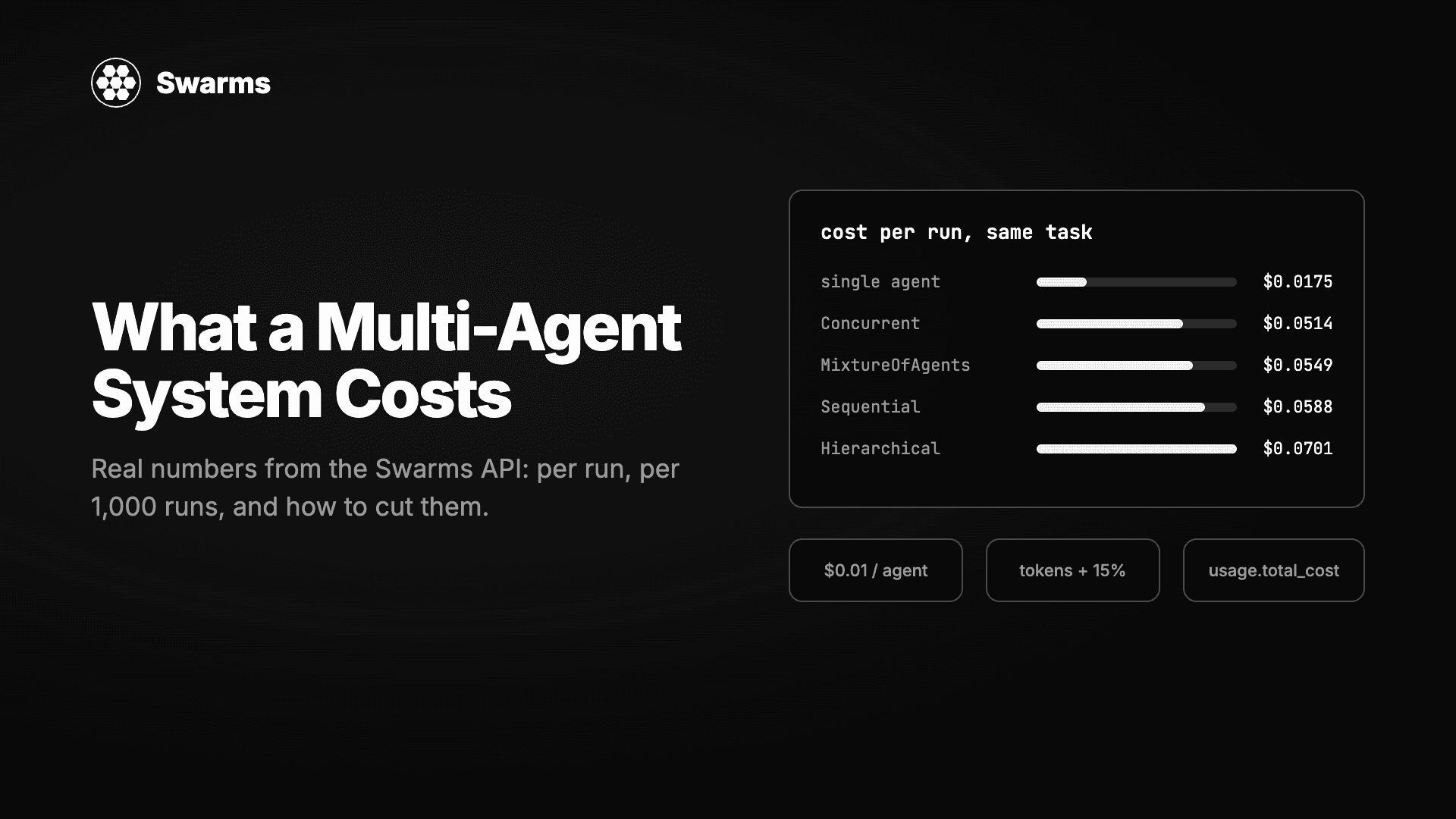
The MCP server adds nothing to the price. A tool call is billed exactly like the REST call behind it: $0.01 per agent in a swarm request plus each model's tokens with a 15% service fee, no agent fee on single-agent runs, $0.04 per request that enables auto_search, and $0.25 per image. Every result carries usage.total_cost, and credit_balance_v1_account_credits_get returns the live balance.
Rate limits are the account's limits: 100 requests per minute and 1,200 per day on a free account, 2,000 per minute on paid tiers. The five premium tools (both batch tools, graph workflow, batched grid workflow and reasoning agents) return a 403 on a free account; premium_endpoints_v1_account_premium_endpoints_get lists them with an upgrade link.
Keeping the key safe
- Create a dedicated key for MCP clients on the API Keys page, so you can revoke it without touching production.
- Keep it in the client's header configuration, never in a prompt or a tool argument. The server is designed so the model never sees it.
- Do not commit
.cursor/mcp.json or claude_desktop_config.json with a real key. Use the client's environment-variable support or a local-only file.
- Watch
get_logs_v1_account_logs_get occasionally. Every call made with the key appears there.
Troubleshooting
| What you see | Cause | Fix |
|---|
| HTTP 401, "Missing API key" | No x-api-key header on the request | Add the header to the client configuration, not to a tool argument |
isError: true, message names x-api-key | Key present but invalid or revoked | Create a new key and update the client |
isError: true with a 402 body | Purchased credit balance at or below $1 | Top up; free and referral credits do not count |
isError: true with a 403 body | Premium tool on a free account | Upgrade, or use the non-batch equivalent |
isError: true with a 422 body | Arguments do not match the schema, usually a swarm_type typo | Compare with the tool's inputSchema from tools/list |
isError: true with a 429 body | Rate limit | Back off; check get_rate_limits_v1_rate_limits_get |
| Client-side timeout on a swarm | Default HTTP timeout shorter than the run | Raise the client timeout; swarms can run for minutes |
| Tool names differ from this guide | You are running the local swarms-ts-mcp package | Use the hosted server, or read that package's own tool names |
The last row deserves a note. There is a local stdio bridge, npx -y swarms-ts-mcp@latest, for network-isolated environments. It exposes a smaller tool set with different names (run_agent, run_swarms and so on), so code written for one does not run unchanged on the other. The hosted server at api.swarms.world/mcp is the recommended path.
FAQ
What is the Swarms API MCP server?
A hosted Model Context Protocol server at https://api.swarms.world/mcp that exposes every Swarms API endpoint as an MCP tool. Any MCP client, including Claude Code, Claude Desktop and Cursor, can run agents and multi-agent swarms through it with no local install.
How do I add the Swarms MCP server to Claude Code?
Run claude mcp add --transport http swarms https://api.swarms.world/mcp --header "x-api-key: your_key". Confirm with claude mcp list, then ask Claude Code to list the available swarm types.
No. Tool calls are billed exactly like the REST endpoints behind them: $0.01 per agent in a swarm plus model tokens with a 15% service fee. Each result includes usage.total_cost.
Is my API key visible to the model?
No. The key is sent as an HTTP header on the MCP request and forwarded upstream by the server. No tool accepts it as an argument, so it never appears in the model's context.
Can I use the MCP server from my own Python or TypeScript agent?
Yes. The official mcp Python package and @modelcontextprotocol/sdk for TypeScript both connect over Streamable HTTP with the x-api-key header, as shown above. Read structuredContent from each result and check isError first.
Get started
claude mcp add --transport http swarms https://api.swarms.world/mcp \
    --header "x-api-key: $SWARMS_API_KEY"
Get a key at swarms.world, add the server to your client, and ask it to list the swarm types. The Swarms API MCP documentation has the full tool reference and the Rust client, and the Swarms API documentation covers every argument the tools accept. For the marketplace side, the Swarms Marketplace MCP server gives the same clients access to thousands of published agents and prompts.