Every multi-agent system starts with the same blank page. Before a single task can run, someone has to decide how many agents the job needs, what each one is responsible for, which model each one should use, and what each system prompt should say. That design work is the slowest part of getting started, and it is also where most teams make their first mistakes: rosters that are too large, prompts that overlap, responsibilities that are vague.
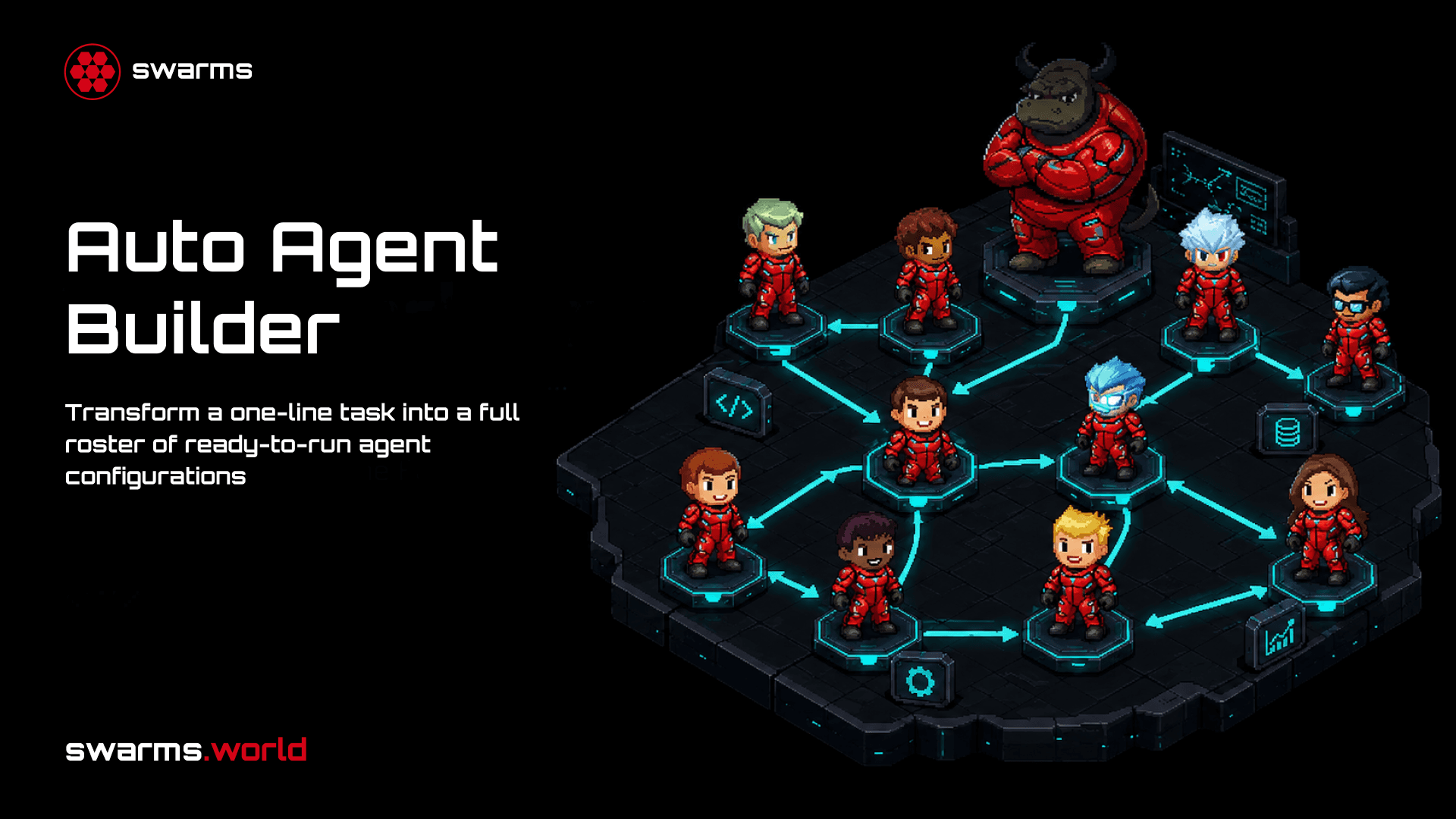
The Auto Agent Builder, now live at cloud.swarms.world/auto-agent-builder, removes that blank page. You describe the task in one line. A specialized builder agent designs the team for you and returns complete, ready-to-post agent configurations: names, descriptions, system prompts, models, and generation parameters. You review the roster, copy it, and run it anywhere on the platform.
What It Actually Does
The Auto Agent Builder is backed by a single new endpoint on the Swarms API, POST /v1/auto-agent-builder/completions. One builder agent reads your task and designs the smallest team it believes can cover it. The response contains the full roster as a list of AgentSpec entries, the same schema used everywhere else on the platform, so the output plugs directly into the multi-agent endpoints with no translation step.
Two properties are worth being precise about:
- The generated agents are never executed by this endpoint. The builder designs the team and stops. Nothing runs until you decide to run it, which means you can inspect and edit every prompt before a single downstream token is spent.
- You pay for exactly one agent call. The usage block in the response reports the token counts and cost of the single builder invocation, not of the team it designed. Designing a five-agent roster costs roughly the same as designing a two-agent roster.
Anatomy of a Generated Agent
Each entry in the returned roster is a complete configuration. The core of every agent is four fields: agent_name, description, system_prompt, and model_name. The builder writes each system prompt for the specific responsibility that agent holds inside the team, so a research agent gets sourcing and citation instructions while a synthesis agent gets structure and style instructions.
Beyond the core four, each agent carries its full set of generation parameters: temperature, max tokens, max loops, role, reasoning settings, and anything else the builder chose to set. On the page, these appear in a Parameters grid under each agent so nothing is hidden. In the API response, they are ordinary AgentSpec fields.
Controlling the Roster
The builder accepts a small set of controls, all optional except the task itself:
| Field | What it does |
|---|
task | The task the generated team should be able to handle. The only required field. |
max_agents | A ceiling on roster size, from 1 to 100, defaulting to 5. This is a limit, not a target: the builder prefers the smallest team that covers the task. |
num_agents | An exact roster size. When set, it overrides max_agents and the prefer-fewer behavior. |
model_name | The model backing the builder itself. The builder chooses models for the generated agents on its own. |
system_prompt | Custom instructions for the builder, for example a requirement that every generated prompt include a citation policy. |
name, description | Optional labels for the run. |
The distinction between max_agents and num_agents matters in practice. Leave the default ceiling in place and the builder will often come back with two or three agents for a task you assumed needed five. Set num_agents when you want a fixed team shape, for example when filling a predefined workflow topology.
The Page
The page at cloud.swarms.world/auto-agent-builder is a two-column workspace in the same style as the Playground. On the left: the task box, the roster size control with its "Up to" and "Exactly" modes, and a builder model field that accepts any model ID on the platform with common options offered as suggestions. An Advanced section holds the run name, run description, and custom builder instructions.
On the right, a live request preview shows the exact payload the run will send, updating as you type, with one-click export as cURL, Python, TypeScript, or Go. When a run completes, the results panel shows the roster with stat tiles for agent count, token usage, cost, and builder cost, followed by one expandable card per agent with its full system prompt and parameters.
Getting the roster out is one click in any direction:
- Copy agents copies just the agents array, ready to paste into any multi-agent request body.
- Copy JSON copies the full response including usage and job metadata.
- Per-agent copy grabs a single agent's configuration.
- CSV download exports the whole roster as a spreadsheet, with one row per agent and one column per field, including full system prompts.
The API
The same capability is available directly through the Agent Completions API surface:
curl -X POST "https://api.swarms.world/v1/auto-agent-builder/completions" \
  -H "x-api-key: YOUR_API_KEY" \
  -H "Content-Type: application/json" \
  -d '{
    "task": "Research the EV battery market and produce an investment memo",
    "max_agents": 3
  }'
The response contains a job_id, the agents list, a usage block with input tokens, output tokens, total cost, and the cost of the builder call, plus a timestamp. A typical roster for the task above comes back as a market research agent, a financial analysis agent, and a memo writer, each with a purpose-built system prompt.
From Roster to Running Swarm
The agents list is designed to be posted unmodified. Take the array from the response and drop it into /v1/swarm/completions with a swarm_type of your choice, or into the batched grid workflow endpoint, or into any of the other multi-agent architectures on the platform. A complete loop looks like this:
- Post your task to
/v1/auto-agent-builder/completions.
- Review the generated roster, editing any prompt you want to tighten.
- Post the agents array to
/v1/swarm/completions with the same task and a swarm type such as SequentialWorkflow or HierarchicalSwarm.
The first call designs the team, the second one runs it. Because the design step is separate, you can reuse one good roster across many runs, check it into version control, or hand-tune individual prompts without regenerating the rest of the team.
Where It Fits
A few patterns we expect to be common:
- Cold starts. You know the task but not the team. Generate a roster, run it once, and iterate from a working baseline instead of a blank page.
- Prompt drafting at scale. Even when you plan to hand-write final prompts, a generated roster is a strong first draft of the division of labor and each agent's instructions.
- Filling a topology. Set
num_agents to match a workflow you have already drawn in the Workflow Builder, then use the generated configurations as its nodes.
- Exploration. Ask for rosters for the same task at different sizes and compare how the builder divides responsibility. The CSV export makes side-by-side review easy.
Availability
The Auto Agent Builder is a premium feature on Swarms Cloud. If you do not have an account yet, sign up free at cloud.swarms.world, then upgrade your plan from the settings page to unlock the builder along with the rest of the premium toolkit. Every run is metered through the same token usage dashboard as the rest of the platform, so builder calls are just as visible and auditable as any other completion.
If you are evaluating the platform, the flow is simple: sign up, upgrade in settings, open the Auto Agent Builder, and type one task. The distance from an idea to a working, inspectable agent team is now a single sentence.
Links and Resources
Have questions or feedback? Join our Discord community or check out the documentation.