Most of this week's work went into the Swarms Marketplace, on both sides of it. For people browsing, two weeks of performance work landed on September 26: the home page now shows its first listings 3.1× sooner, a 494 KB download that ran on every page is gone, and listing pages carry up to 44% less code. For people selling, creators can now publish an agent straight from a private GitHub repository, and a new Quick Launch page reduces launching a tokenized agent to a single short form.
Swarms Chat, which runs any Marketplace prompt against a live model, closed out several weeks of rebuilding with full agent controls, a picker covering every model the API reports, and a proper mobile layout.
The rest of the week went into documentation. Five new guides went up on September 22: a complete explainer of Swarms Cloud, and four comparisons between Swarms and the frameworks developers most often weigh it against. All five are also available in Chinese.
A Faster Swarms Marketplace
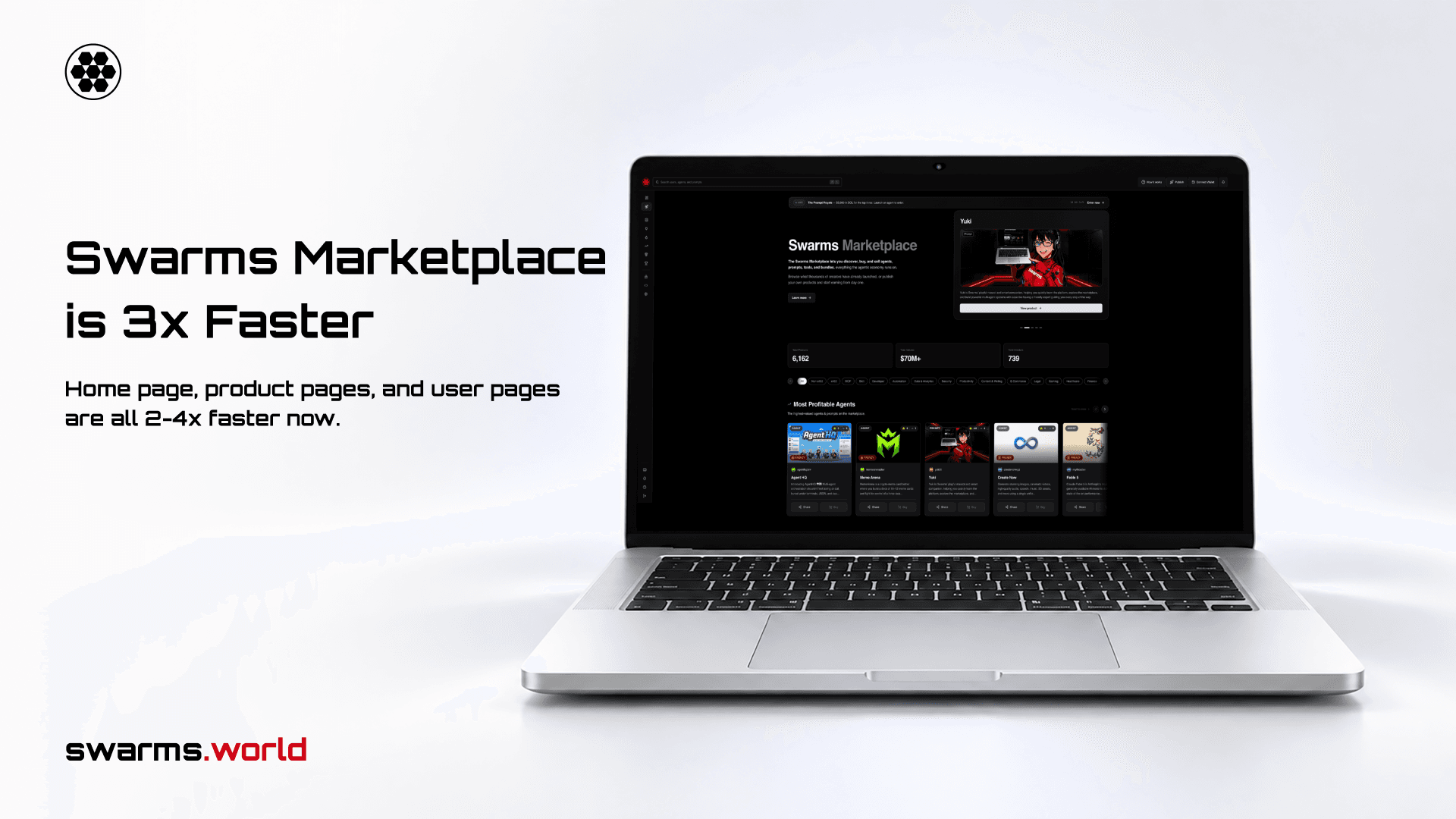
Announced on September 26, the September performance update collects more than 100 changes shipped to the Marketplace between September 12 and September 26. Nothing needs to change on your side, since it is already running on swarms.world.
| What | Before | After |
|---|
| Home page: first listings, stats and tokenized data | 2,098 ms | 669 ms (3.1× faster) |
| Navigation search | 494 KB downloaded on every page | about 3 KB per search |
| Agent, prompt and tool pages (JavaScript, compressed) | 773 to 781 kB | 600 to 603 kB |
| Bundle pages | 592 kB | 406 kB (31% less) |
| Creator profiles | 703 kB | 393 kB (44% less) |
| Publish page | 778 kB | 587 kB (25% less) |
| Registry fetches while typing "research agent" | 15 | 3 |
| Prompt chat starter questions | 10.3 s | about 2.9 s |
The largest single gain came from deleting code. An older "highest rated" section had been removed from the home page, but the query behind it kept running on every visit, reading every listing and every review to return six items that nothing displayed. It shared a request batch with the featured listings, so the first cards on the page waited for it. With the query gone, the first listings appear about 1.4 seconds sooner.
Navigation search used to download every agent, prompt, tool, user and review as soon as any page loaded, then filter the list in the browser. It now runs on the server once you type two characters and returns about 3 KB per search. It also finds every listing again: the old download stopped at 1,000 rows, so once the Marketplace passed 1,000 agents, the older ones had dropped out of navigation search entirely.
Listing pages got lighter in three ways. The code highlighter now ships 23 common languages in a 35 kB file instead of every language in 218 kB. The payment and tokenization code, along with the Solana libraries behind it, loads the first time someone clicks Buy or Tokenize. The Ratings tab loads when you open it. The floating Yuki assistant, which played about 2.1 MB of animated video on most pages, has been retired.
Try it: swarms.world
Learn more: swarms.ai/blog/marketplace-performance-update-september-2026
Import Private GitHub Repositories Into the Marketplace
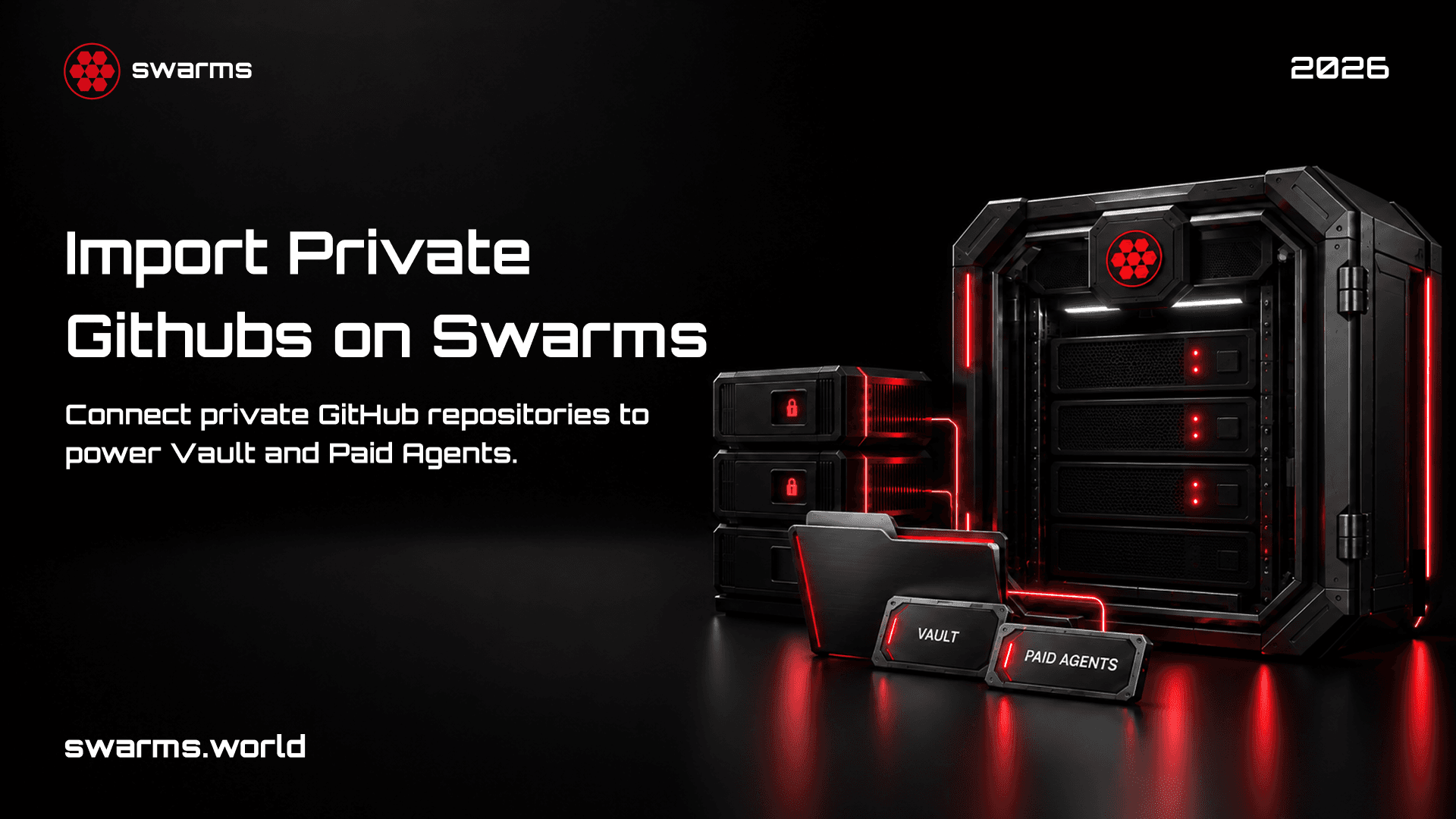
Announced on September 22, the Marketplace importer can now read private GitHub repositories. Until this week it only worked with public ones, which left out most of the people it was built for. An agent you plan to charge for usually lives in a private repository, and making it public in order to import it would put the product beside its own listing for free.
The steps:
- Sign up at swarms.world.
- Go to swarms.world/publish, select Agent, and open Import from GitHub.
- The first time, connect GitHub and choose which repositories to share on GitHub's own install screen.
- Pick a repository. The form fills in the name, description and README, the main implementation file, the language, the repository topics as tags, and dependencies from
requirements.txt or pyproject.toml.
- Choose your business model at the bottom: Paid, Tokenized, or Tokenized with Vault Mode.
- Publish.
The connection is a GitHub App, which limits what the Marketplace can see. It can read only the repositories you selected, with read-only access to contents and metadata and no write permission of any kind. It stores no GitHub token: each import mints a token scoped to your selected repositories, which expires in one hour and never reaches the browser. You can remove repositories or uninstall the app from github.com/settings/installations at any time, and public repositories still import by URL with no connection needed.
Publish an agent: swarms.world/publish
Learn more: swarms.ai/blog/import-private-github-repos
Quick Launch for Tokenized Agents
Also on September 22, the new Quick Launch page made publishing a tokenized agent about ten times faster. Enter the agent's name, ticker, trading pair and a few other details on one page, hit launch, and the agent is live.
Swarms is the home of agent capital markets on Solana, with more than 2,500 tokenized agents and prompts and tens of millions of dollars in trading volume. Quick Launch is the shortest route onto that market for creators who already know what they are launching. The full publish form at swarms.world/publish remains available alongside it.
For the reasoning behind tokenizing an agent and every decision in the launch flow, from connection type to Frenzy Mode, USDC and Vault Mode, see the complete guide to tokenizing your agent.
Try it: swarms.world/quick-launch
Swarms Chat Gets Full Agent Controls
Published on September 20, the Swarms Chat update covers several weeks of work on the surface that runs any Marketplace prompt against a live model. Open a prompt, select Chat, and you are talking to a model with that prompt already loaded as the system prompt.
- Full agent control. A settings dialog with Generation, Behaviour, Tools and Marketplace tabs exposes every parameter the agent completions endpoint accepts, including temperature, top_p, max tokens, max loops, reasoning effort and tool configuration. Settings are saved per prompt, so tuning one prompt never changes another.
- Every model. The hardcoded dropdown was replaced with a searchable picker listing every model the Swarms API reports, spanning GPT-5.4 and later, Claude Sonnet and Opus 5, Kimi K3, GLM-5.3, DeepSeek, Qwen, MiniMax and the OpenRouter catalog.
- Costs and retries. Each reply shows its output token count. Retry re-runs a turn in place, Try another model re-runs it on a different model, and Continue picks up a reply that was cut short.
- Conversation starters. Three questions written for the prompt you opened now arrive in about 2.9 seconds instead of 10.3, after the team benchmarked ten models on the real task.
- Mobile. A full responsive pass, with the header collapsing to a back button, the model name and a single overflow menu.
The update also fixed two bugs that were dropping data. Only the first of four attached images was making it into the request, and an error object passed to a toast notification could crash the page.
Try it: open any prompt on swarms.world and select Chat
Learn more: swarms.ai/blog/swarms-chat-updates
What Is Swarms Cloud?
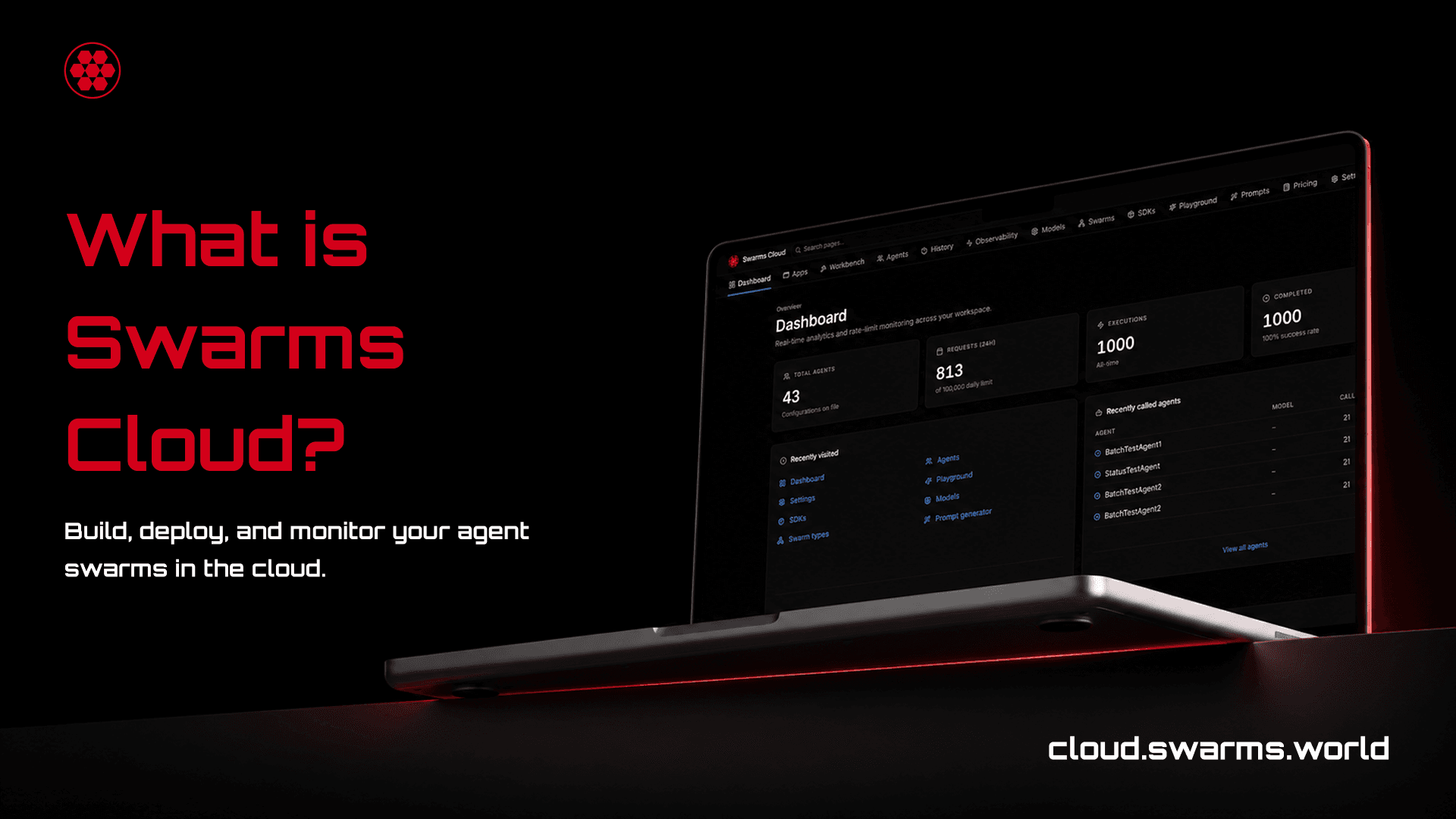
The first of the five new guides is a complete explainer of Swarms Cloud, the hosted control plane at cloud.swarms.world for designing, running, monitoring, paying for and hosting agent teams under one account and one API key.
It walks through each part of the platform in turn: 2,000+ models from the major providers behind one key, where moving an agent to another provider is a one-line change to model_name; 16 swarm architectures; visual and generated agent builders; Batch and Grid runners that scale a single task to thousands of completions; a page for every agent and every completion; an encrypted Skills library; a hosted MCP server; and scale-to-zero agent hosting with S2A. It is the page to send anyone who asks what Swarms Cloud does.
Learn more: swarms.ai/blog/what-is-swarms-cloud
Four Framework Comparisons
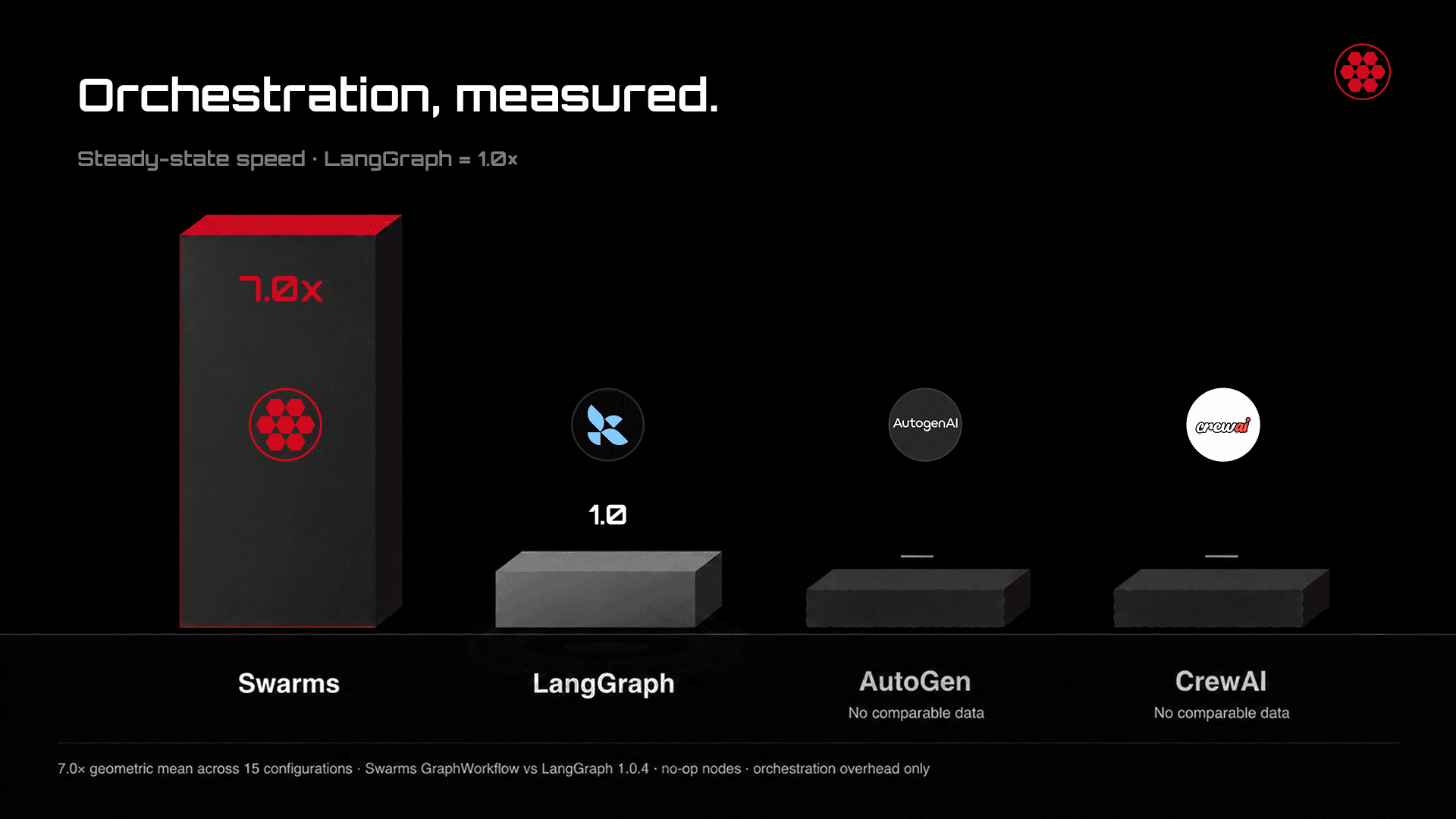
The other four guides compare Swarms with the frameworks developers most often evaluate it against, each with working code for both sides.
- Swarms vs AutoGen vs LangGraph vs CrewAI. A four-way comparison built around the only published, reproducible orchestration benchmark in the category. Swarms GraphWorkflow runs compiled agent graphs at a 7.0x geometric mean over LangGraph 1.0.4 across 15 configurations, and up to 62.5x on deep chains, because it works out the execution order once at compile time instead of on every run.
- Swarms vs CrewAI. The same pipeline built in both frameworks, followed by what Swarms adds as a system grows: topology as a parameter across 15+ structures, a compiled graph engine, dynamic tool loading that sends one schema instead of fifty, MCP as a constructor argument, and a model chosen per agent across providers.
- OpenAI Agents SDK vs Swarms. Model access, handoffs, orchestration, failover, pricing, tools and observability side by side, with run times and costs measured on the live Swarms API. Swarms also exposes an OpenAI-compatible endpoint, so code written against the OpenAI SDK can move over by changing two strings.
- Migrating from LangGraph to Swarms. Fourteen graph patterns built twice, in LangGraph and in GraphWorkflow, each with a diagram and runnable code, covering pipelines, fan-out, map-reduce, multi-vendor juries, debates, gated routing and more, plus a concept map and a migration checklist.
Chinese versions of all five guides are live on the Chinese blog at swarms.ai/zh/blog.
Conclusion
This week's changes each removed a specific obstacle for a specific person. Buyers get Marketplace pages that load faster and a search that finds every listing. Creators with private code can list it without publishing it, and creators launching a token can do it from one form. Anyone trying a prompt gets a chat with every setting and every model in reach.
The guides do the same for developers still choosing a stack: what Swarms Cloud is, and how Swarms compares with CrewAI, the OpenAI Agents SDK, AutoGen and LangGraph, with runnable code for every comparison 🦾
Links and Resources