This week was about visibility, in two different senses. On Swarms Cloud, every API request your account makes is now visible in one place, with a page of its own carrying the full payload and response. On the Marketplace, The Prompt Royale spent seven days making tokenized prompts visible to traders, with $5,000 in SOL going to the three that drew the most volume.
Both threads closed out a longer stretch of work. The Cloud changelog published on September 19 covers August 3 through September 19: seven weeks, 238 commits, and eight new pages, most of which had never been summarized in one place until now. The Prompt Royale opened on September 13 and closed on September 20, and it is the second competition in a row to run the full week without a rules change.
Underneath both is a smaller change that matters for anyone using more than one Swarms product: a single account now signs you into all of them.
Completion Logs Go Live on Swarms Cloud
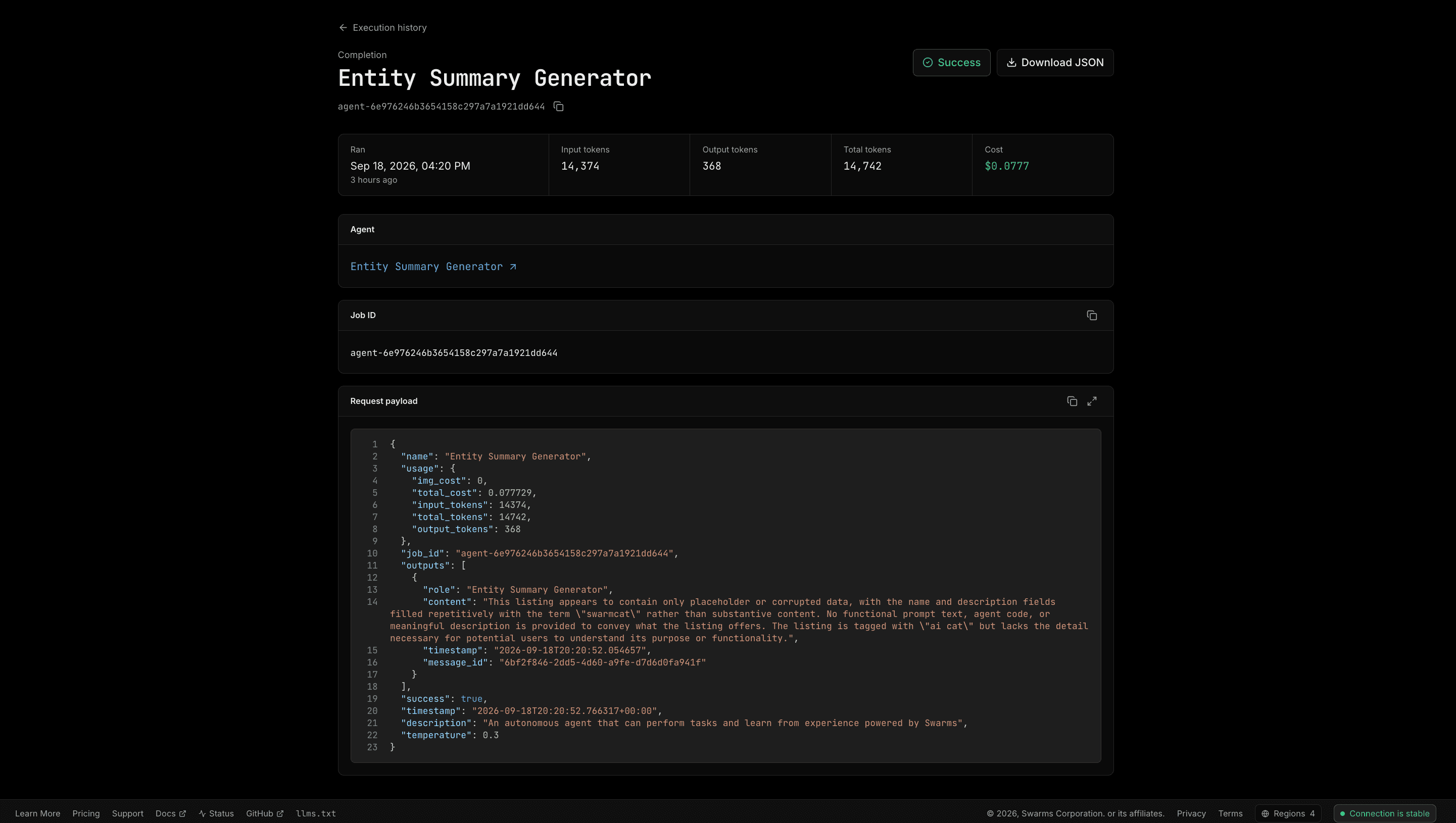
Announced on September 18, completion logs track every API request made to the Swarms API in one place. Search and filter by agent name, endpoint or ID, monitor token usage and cost per run, and inspect the complete request payload and output for any call.
The search box reaches further than the fields on screen. It matches agent name, endpoint, request ID, timestamp and task text, then continues into the raw log body, so a string that appeared anywhere in a request or its response will find the run that carried it. Date filters scope the whole page, with presets for the last 24 hours, 7 days and 30 days alongside a custom range.
The larger change is that every completion now has its own page and therefore its own URL. A single run can be linked in a bug report, bookmarked, opened in three tabs side by side, or downloaded as JSON with one click. The page carries the agent it ran as linked to that agent's own page, the job ID, tokens in and out, cost, and the exact request and response as formatted JSON.
One correctness fix shipped with it. The Swarms API reports the charge for a run under a different key depending on the endpoint, so the obvious implementation reported $0.00 for most run types. Every cost figure on the history page, on completion pages and in the CSV export now goes through one shared definition that knows all three.
Try it: cloud.swarms.world/history
Learn more: swarms.ai/blog/completion-logs-swarms-cloud
The Swarms Cloud Changelog: August 3 to September 19
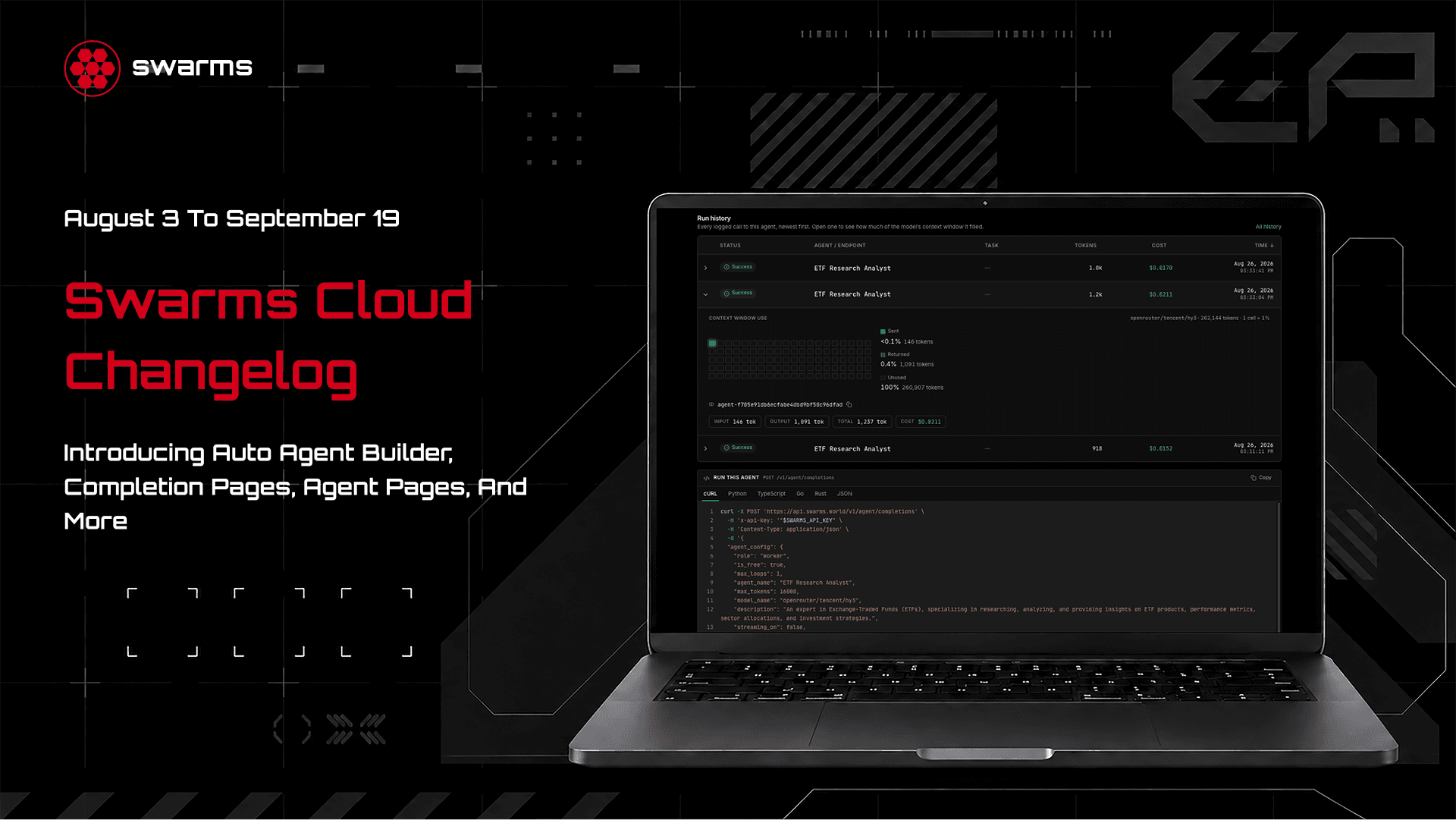
Published on September 19, the changelog covers seven weeks of platform work day by day. Eight new pages shipped in that window, several of them things the API could already do that the console had no way to drive.
- Auto Agent Builder. Describe a task and a builder agent designs the roster for it, with complete agent configurations ready to post to the swarm endpoints unmodified.
- Chat. Build a roster and talk to it, with one agent chatting from full conversation memory or a whole roster running as a concurrent swarm, each reply attributed with its model and per-turn cost.
- Batch and Grid. Run one agent over up to 500 tasks, or run every task against every agent as a matrix. Both fill in as the run proceeds, with retry for the failures only and CSV export.
- Skills. A private prompt and skill library, encrypted at rest under a key derived per user, with folder imports in Anthropic's SKILL.md format and five first-party starter skills.
- MCP and Examples. A page for the hosted MCP server with live status from a real handshake, and a browsable gallery of ready-to-run API calls that open in the playground with their payload intact.
Alongside the new surfaces ran a quieter thread: a dashboard that authenticates roughly eight times faster and paints instantly on refresh, a billing system that can no longer open two concurrent subscriptions, and a long run of fixes to places where the platform was confidently reporting a number that was not true.
Learn more: swarms.ai/blog/swarms-cloud-changelog-august-september
The Prompt Royale Runs Its Full Week
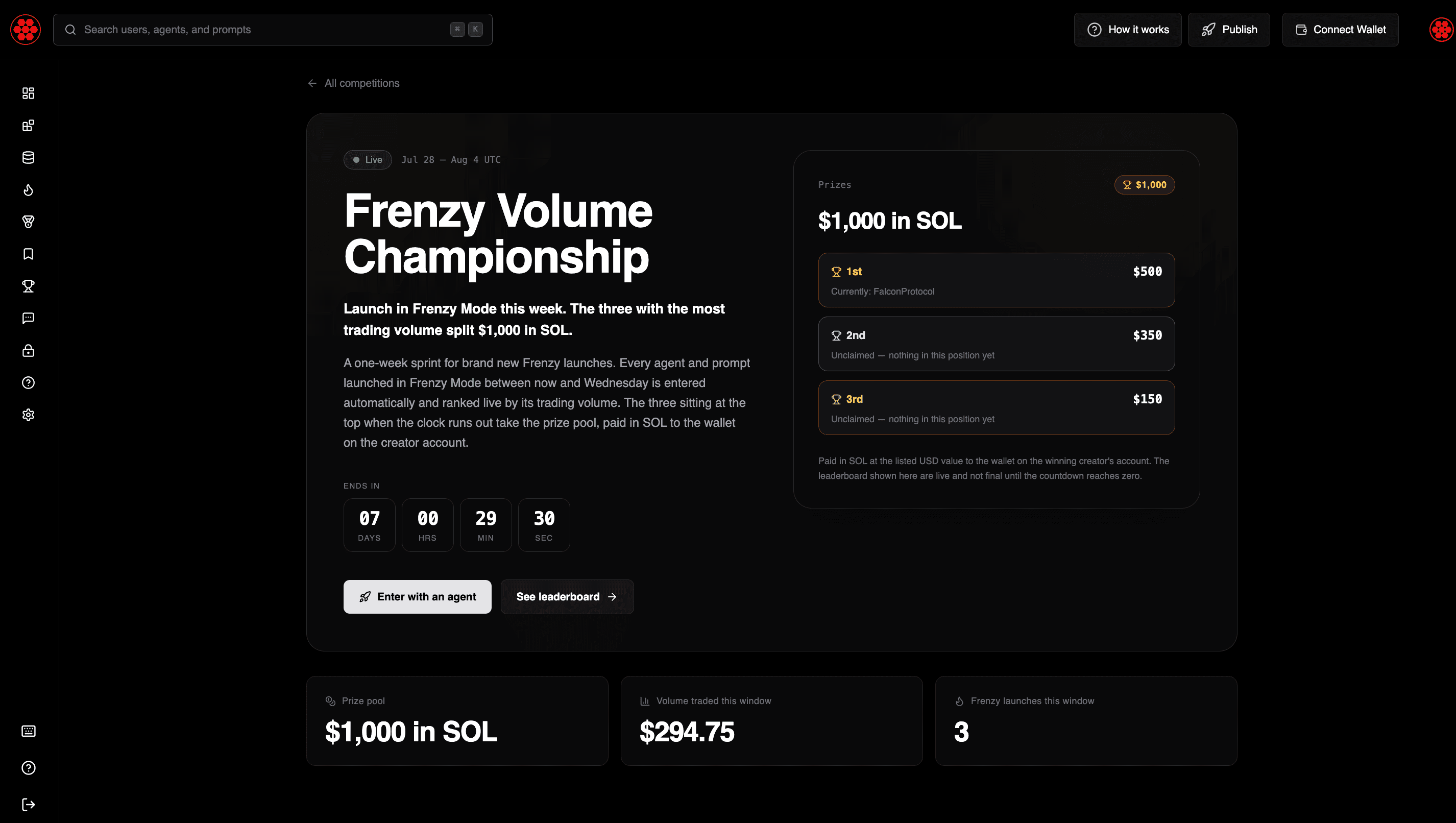
The Prompt Royale opened on September 13 and closed on September 20, with $5,000 in SOL split across the top three tokenized prompts by total trading volume: $2,500 for first, $1,500 for second, and $1,000 for third.
Entry was automatic. Any prompt tokenized between 21:00 UTC on Saturday September 13 and 21:00 UTC on Saturday September 20 went onto the leaderboard, which refreshed continuously while the competition was open. Every launch configuration was eligible, including Frenzy Mode or standard fees, SOL or USDC as the quote currency, and Vault Mode on or off. Agents were not eligible regardless of the volume they generated, since this one was for prompts only. Wash trading, self-dealing and volume looped through the same wallets were grounds for disqualification, and prizes pay in SOL at the listed USD value to the wallet connected to the winning creator account.
The announcement was the most viewed Swarms post of the week at more than 8,100 views, and a reminder on September 17 with three days left added another 3,400. This is the competition that follows the USDC Competition, which closed earlier in September with nearly $5M in trading volume and more than 2,000 new Marketplace users.
Learn more: swarms.world/competitions/prompt-royale
The Marketplace MCP Server, In Depth
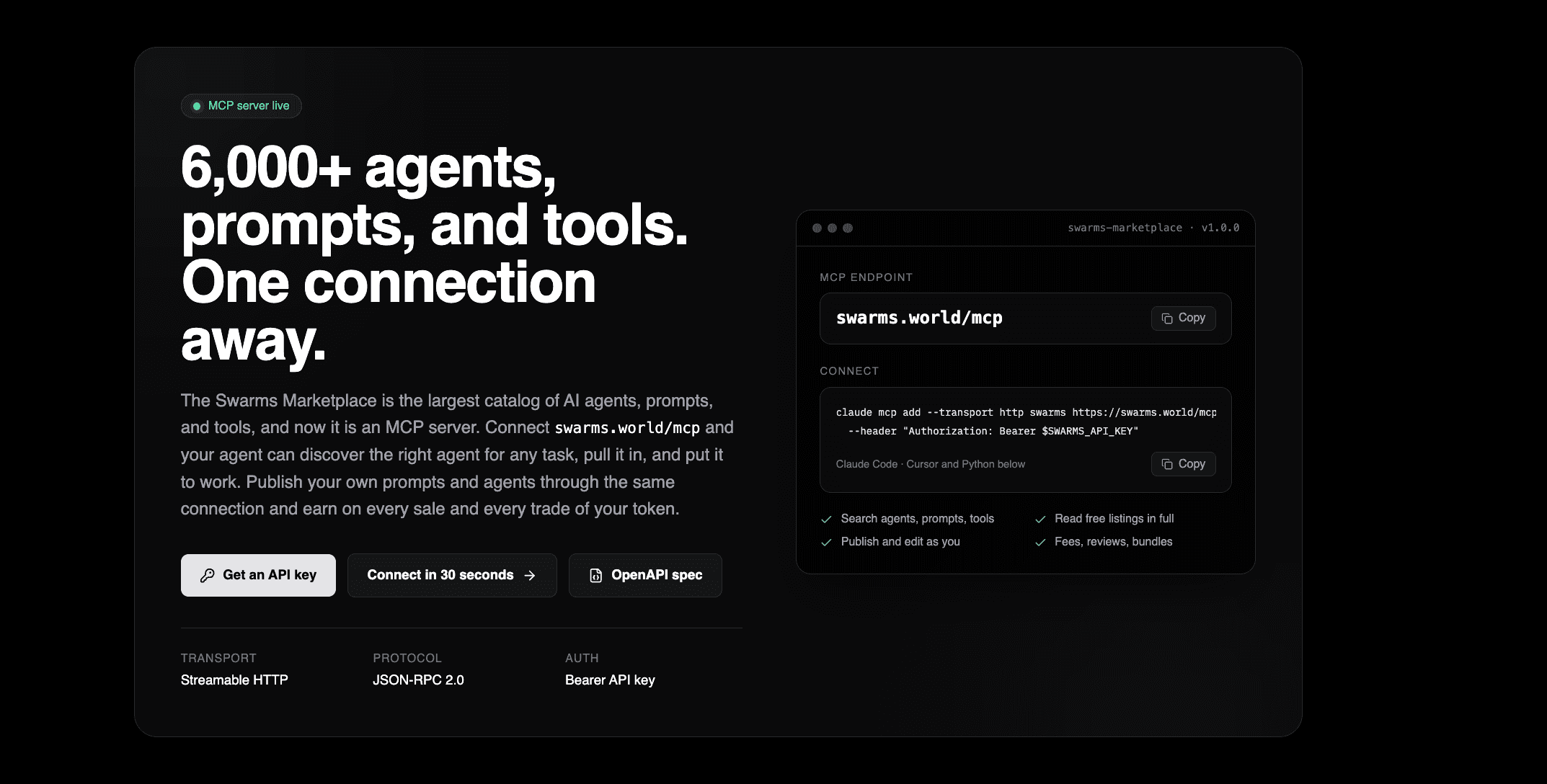
The deep dive on the Marketplace MCP server published on September 14. swarms.world is now a Model Context Protocol server, so pointing any MCP client at https://swarms.world/mcp gives an agent the whole marketplace as a set of tools it can discover and call on its own.
That means an agent can search across 6,000+ agents, prompts and tools, read free content in full, publish and edit its own listings, write reviews, assemble bundles, and check the earnings on its own tokenized products. One connection and one API key, with no hand-assembled REST requests against a dozen endpoints.
Learn more: swarms.ai/blog/swarms-marketplace-mcp-server
One Account, Every Product
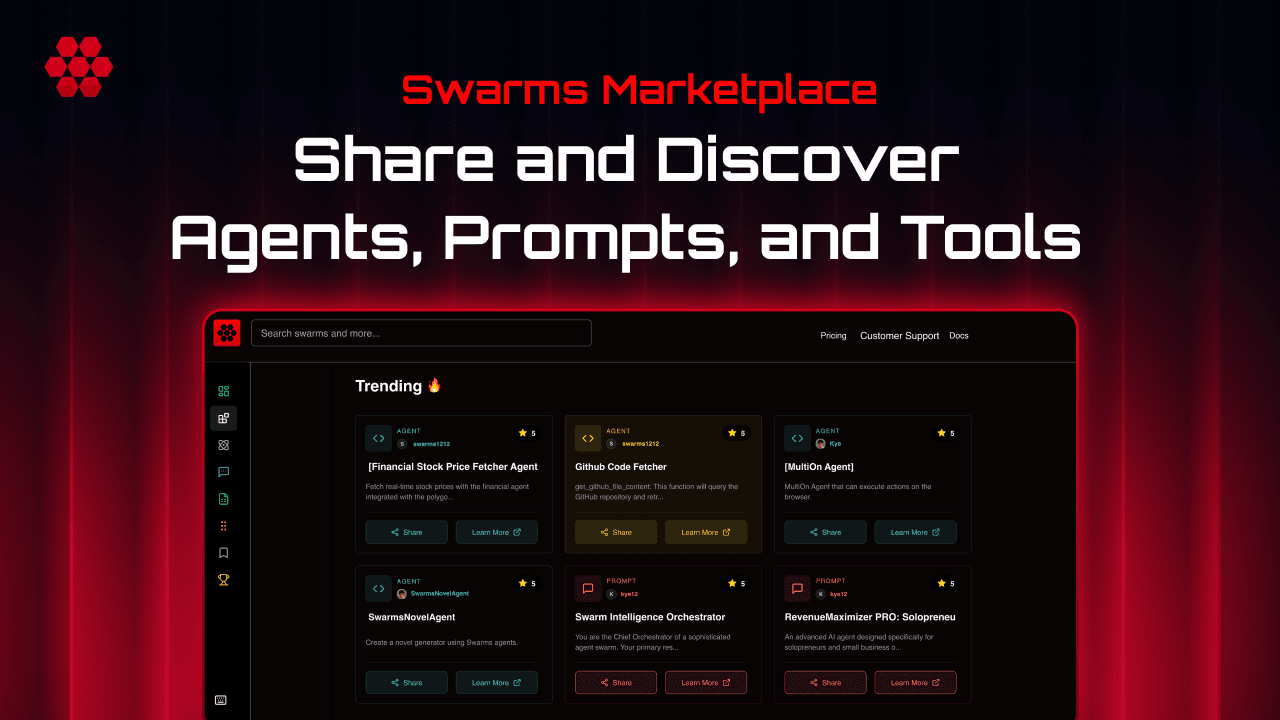
Announced on September 16, your Swarms Marketplace account now signs you into the whole stack: Swarms Cloud for building and running agents, AgentHQ for the interactive office where Claude and Codex agents work, and every product still to come. Build, deploy, manage and monetize agents without keeping a separate identity for each surface.
The referral program went live the same day. Invite someone through your referral link and you both receive $10 in Swarms API credits when they sign up, usable across single-agent workflows and large multi-agent fleets with support for 2,000+ models from the major providers. New accounts that sign up directly still start with $5 in free API credits.
Referral portal: swarms.world/platform/referral
Conclusion
The theme of the week is that the platform now tells you what it did. Completion logs turn every run into an inspectable, linkable record, the changelog turns seven weeks of shipping into one readable document, and a shared account turns three products into one login.
The Prompt Royale closed on September 20, so the leaderboard is final and the next competition is the one to watch. Builders who want to start from the observability side can open the history page and sort by cost descending 🦾
Links and Resources

![Swarms Weekly Ecosystem Update [September 13 - September 20]: Completion Logs Ship, the Cloud Changelog Lands, and The Prompt Royale Closes](/_next/image?url=%2Fweekly_ecosystem_update.png&w=3840&q=75)